
Galaxy S26 Ultra review: can the stranger on the train still read your screen?
Tilt your phone and ask who else can read it. I used the Galaxy S26 Ultra as my only phone for 38 days to see if its privacy screen, battery and zoom earn £1,249.
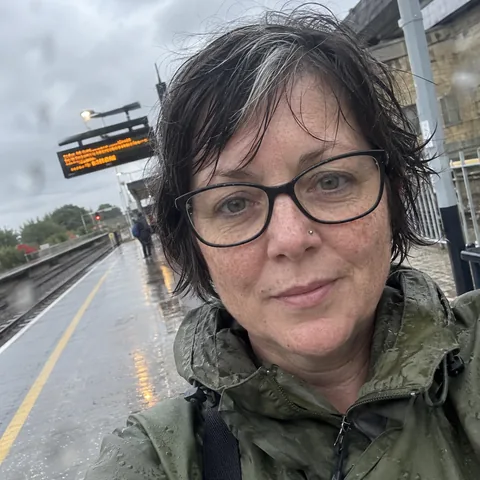 By Karen Oldroyd, tech and travel tester
Tested in Manchester · 20 June 2026 · 11 min read
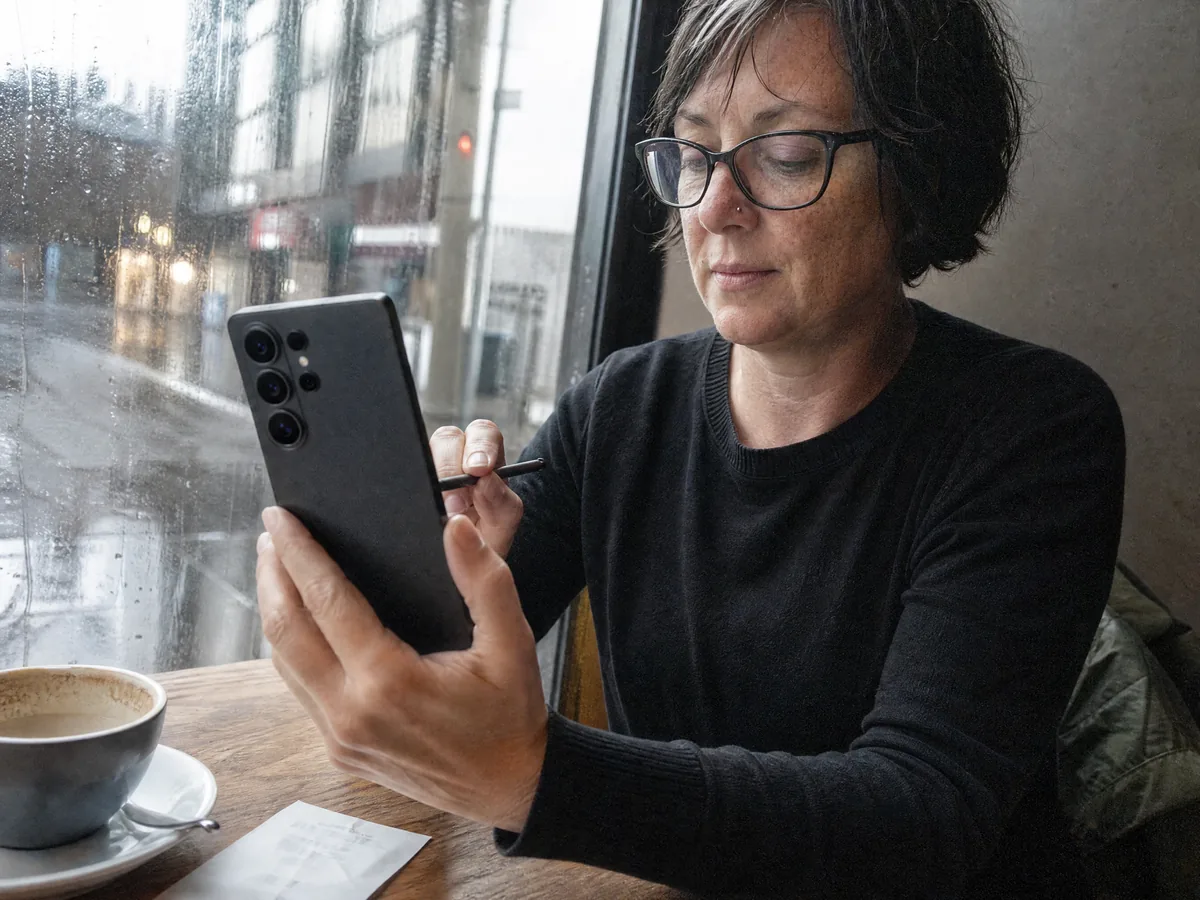
- Privacy mode hides your screen from the next seat, on your terms
- 7.9 mm and 214 g, a touch slimmer and lighter than the S25 Ultra
- 0 to 50% in 16 minutes on a 60W PPS charger
- Updates promised until 2033
- Qi2 accessories need a magnetic case
- Privacy mode costs brightness and adds glare
- The stylus still can't work as a camera remote
- The stock keyboard sent me to Gboard by day four
Short version: if you spend half your life on trains and planes, this is the Android phone to own this year, and privacy mode is that rare new feature you'd feel the loss of. If nobody reads over your shoulder and you'd never touch a stylus, keep several hundred pounds in your pocket.
Hold your phone in front of you as you normally would. Now tilt it about 45 degrees to the left, which is roughly where the person next to you on a train or a bus is sitting. Can you still read it? Of course you can. So can they.
I learned this the embarrassing way on a packed TransPennine train to Leeds in April. My sister had sent me a long message about her ex, I was reading it, and the man in the next seat said, quite kindly, "He's not worth it, love." I had never seen him before in my life. He was right, but that isn't the point.
By May I'd ordered the Samsung Galaxy S26 Ultra, and one feature was the whole reason. From 12 May to 18 June it was the only phone I carried: eight flights out of Manchester, 17 train journeys, a T20 night at Old Trafford and more trams than I can count. This is how it went, beginning with the thing I paid for.
The privacy screen, tested on our own team
Stick-on privacy filters have always been a compromise. They dim the screen from every angle, all day, and your holiday photos end up looking as if they were shot at dusk. On the S26 Ultra the narrowing of the viewing angle happens inside the display panel, and it only kicks in where you tell it to.
There are three ways to use it. Pick individual apps, like your bank or WhatsApp. Hide just the pop-up previews of incoming messages. Or let it switch on by itself whenever a PIN, password or screen lock pattern appears. I never set that last one up on purpose, and it turned out to be the one working hardest.
The fairest test I could think of was our team meet-up in Leeds. Tracey, Clive and Darren sat alongside me at a café table, about as close as a train seat, and tried to read a message on my screen. Privacy off: three colleagues reading my sister's text aloud, which was a mistake on my part. Standard setting: Darren, the youngest of us, got three words by nearly resting his chin on my shoulder, and no stranger on a train is going to do that. Strongest setting: from about 40 degrees off to the side, nothing at all.
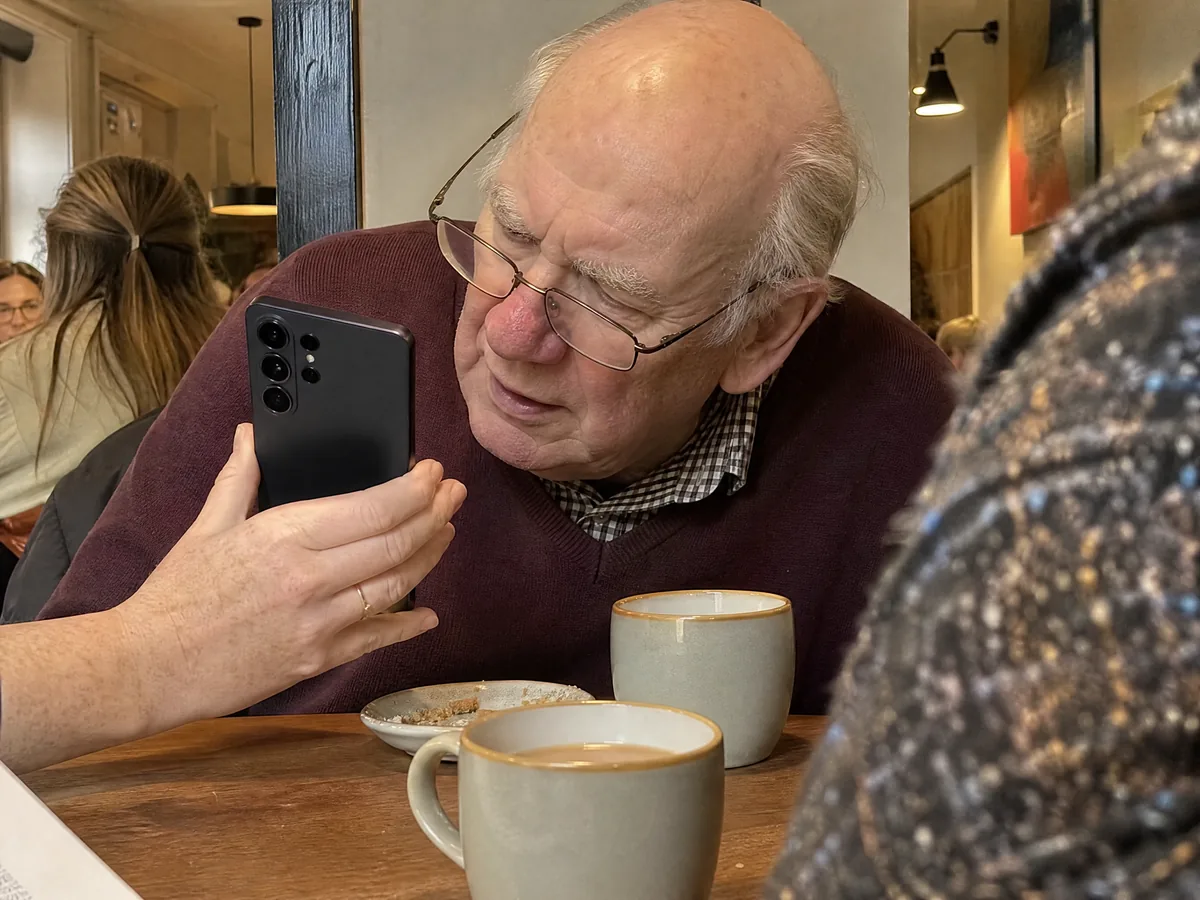
"It's like trying to read through a letterbox." Clive Hepplewhite, who spent a good minute trying
The cost is light. The lab reviews I read found the panel runs at roughly half brightness in privacy mode, and I could tell at lunchtime in a sunny St Peter's Square. It also picks up more reflections than the S25 Ultra did, because this year's anti-glare layer is less effective. What I'd set up, and what I use: privacy mode for banking, messaging and PIN screens, and nowhere else.
That's the headline trick. For £1,249, though, I care more about something duller: whether it still has charge at midnight.
Battery and charging: better than the spec sheet
On paper nothing moved, and the cell is 5,000 mAh again. What did change is the chip. The Snapdragon 8 Elite Gen 5 sips less power, and over five weeks the difference was plain.
- Video on repeat (over Wi-Fi, locked at 200 nits, until it died): 23 hours 37 minutes.
- Ordinary work days (email, Teams, maps, photos, an hour of video): 6.5 to 7.5 hours with the screen on, and 30% to 40% still there at bedtime.
- The longest day: Frankfurt and back, then a gig at the Albert Hall in Manchester. Off the charger for 18 and a half hours, on 5% at 00:40.
Charging is its strongest suit. Plugged into a 60W charger that speaks Samsung's Super Fast Charging 3.0, it reached half in 16 minutes and full in 48. The 25W Samsung plug left over from my previous phone needed 27 minutes to reach the same halfway mark.
Day three brought the one real annoyance. Wireless charging runs at up to 25W, yet there are no magnets inside the back. The magnetic power bank that stays glued to Jo's iPhone slid off in my coat pocket and clattered onto the tram floor at St Peter's Square. For Qi2 mounts, wallets or power banks, buy a case with a magnetic ring built in. Samsung's reasoning is thickness. I understand it, and I still think a phone this expensive shouldn't make you buy the missing part separately.
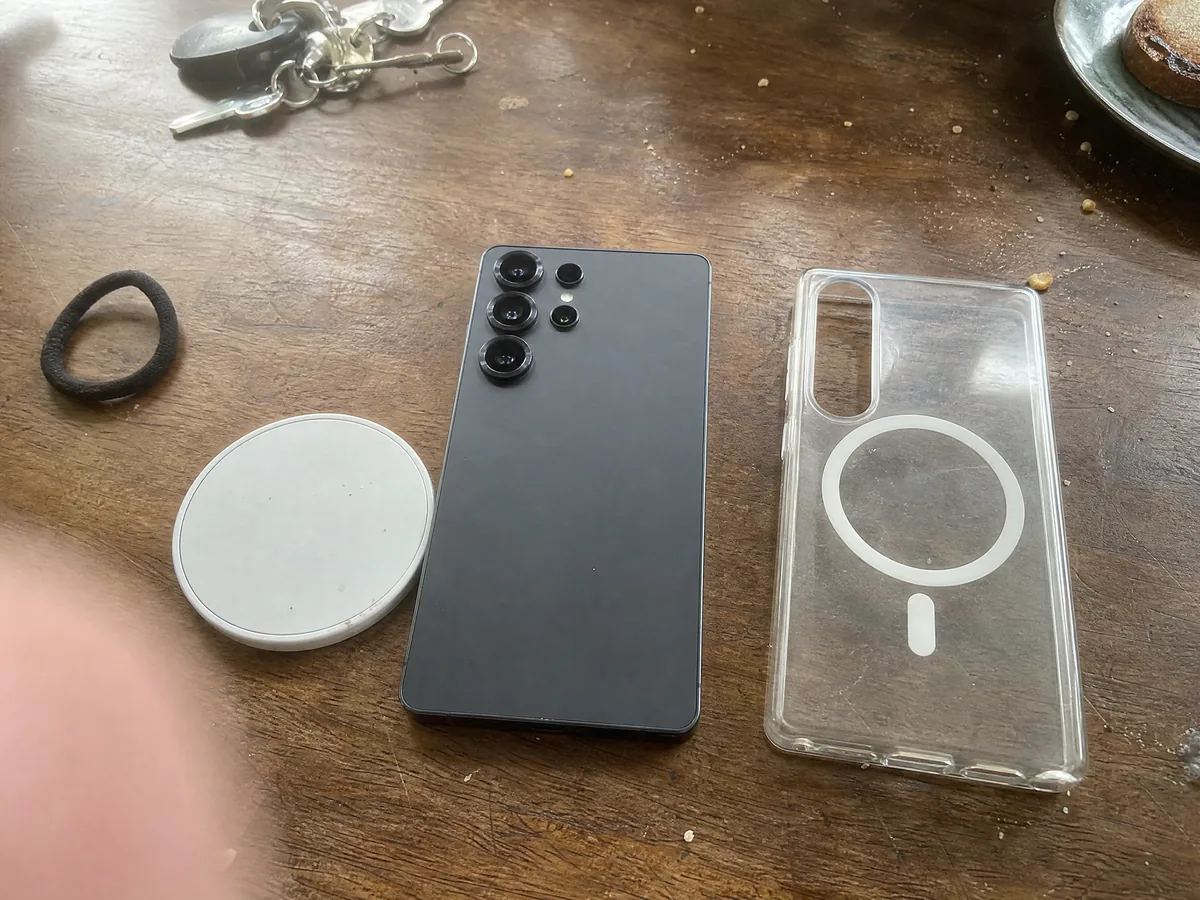
Magnets would have meant extra grams, and Samsung has clearly been counting grams.
Design: slimmer, lighter, still a wobble
It measures 7.9 mm and weighs 214 g, against 8.2 mm and 218 g for the S25 Ultra. You won't notice four grams. You will notice the softer corners: last year's Ultra pressed into my palm when I read in bed, and this one sits comfortably.
The frame is aluminium rather than titanium, the front is Gorilla Armor 2, and it's rated IP68 against water and dust. Two weeks without a case earned it one small scuff on the bottom edge, courtesy of a hotel sink in Dublin.
Put it flat on a desk, prod the left half of the screen, and it rocks on the camera housing. It's minor, and it happens every single time. Any case stops it, and you'll want one for the magnets anyway.
That camera housing is, for many buyers, the whole point of an Ultra.
The cameras: it's all about the 5x
Four lenses sit on the back. The main one is 200 MP, with a brighter f/1.4 aperture this year. Next to it are a 50 MP ultrawide, a 10 MP 3x zoom and a 50 MP 5x periscope zoom, and the digital zoom runs all the way to 100x.
In daylight the main camera is excellent and a shade brighter than last year's. Samsung still likes its colours turned up: food and streets pop on the phone and look a bit loud once you open them on a laptop. In a dim bar in the Northern Quarter, faces lost detail where Jo's iPhone held on to skin and hair texture.
The periscope is what makes this phone. At a T20 night at Old Trafford, from high up in the stand, it showed me the stripe of white sun cream on the bowler's nose. Shots at 10x are still good enough to post. Somewhere past 30x they start to look painted, and 100x is for showing off in the pub.
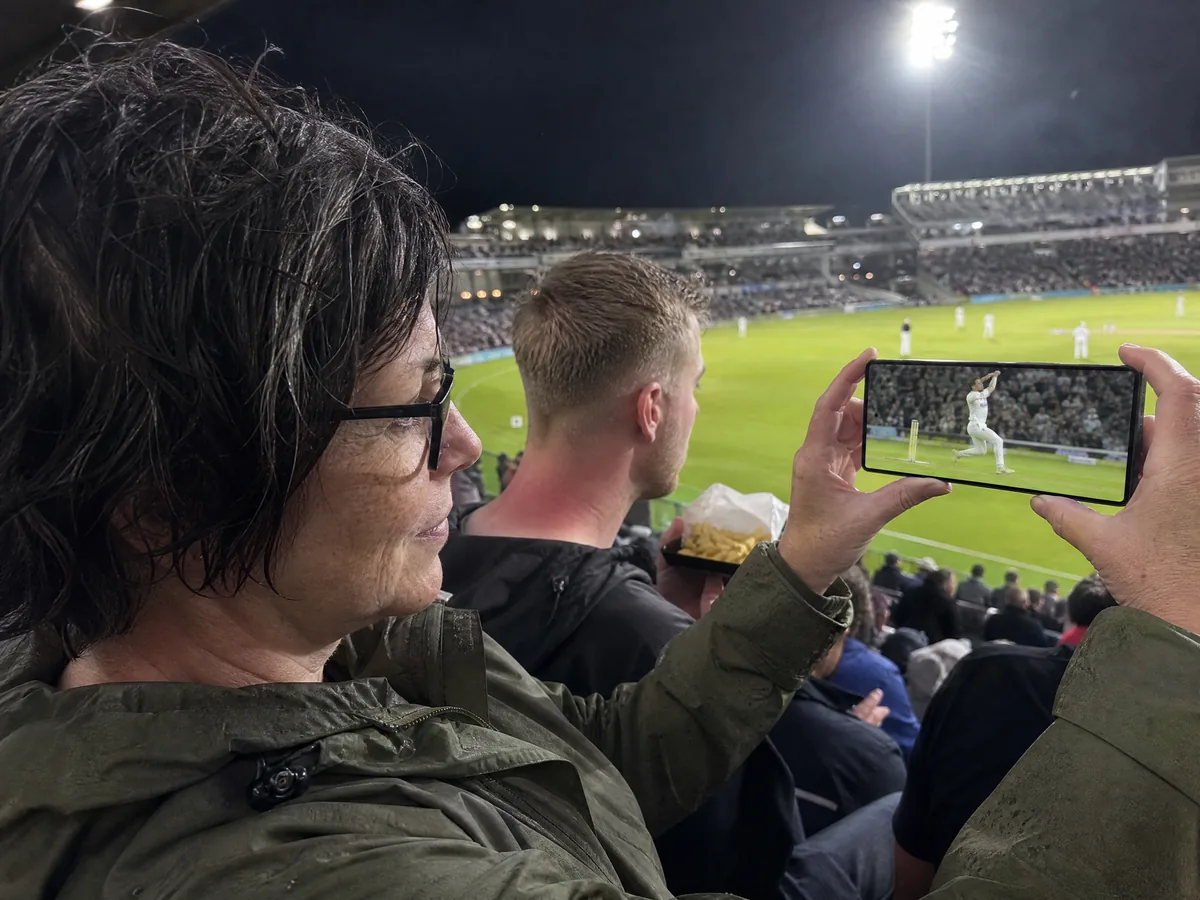
For video, switch on horizon lock. I filmed out of a swaying tram window and the clip came out level, which is more than I did. Photos sell most Ultras. The pen is what stops a surprising number of owners from ever switching.
The S Pen: still here, a bit simpler
It's tucked into the bottom edge and clicks out when you press it. There's still no Bluetooth inside, as on the S25 Ultra, so it can't fire the camera from across the room or take part in gestures. In five weeks I never reached for either.
My daily uses were duller and more useful: signing work PDFs without printing them, jotting a gate number on the lock screen, cropping a screenshot to the exact pixel. Creative Studio will tidy a rough sketch into a proper drawing. My plane came back as a tired pigeon, which was fair.
One practical lesson: with a pen inside it, this phone doesn't belong in a back pocket. Once was enough.
Software: seven years of updates and one bad keyboard
Out of the box you get Android 16 and One UI 8.5, and Samsung commits to seven years of new Android versions and security patches, which takes it to 2033. That commitment is worth more than any single AI trick, because it means the hardware, not the software, decides when you replace it.
Circle to Search earned its place: I circled a sad plant on Jo's windowsill and learned it was a peace lily that wanted less water. Live Translate on a phone call got me through a room change with a hotel in Frankfurt, slowly but correctly. Now Nudge offers little shortcuts, such as sending a photo to whoever you're chatting with about it. It guessed right about one time in two.
Samsung's own keyboard is where it falls down. It changed "Chorlton" to "Charlton" so often that friends asked when I'd moved to south London. Gboard was installed by day four. Easy fix, but at this price you shouldn't have to go looking for one.
All the numbers, in one table:
Galaxy S26 Ultra specs and UK prices
| Spec | Galaxy S26 Ultra |
|---|---|
| Display | 6.9-inch AMOLED, 3120 x 1440, 1 to 120Hz, built-in privacy mode |
| Processor | Snapdragon 8 Elite Gen 5 for Galaxy |
| RAM and storage | 12 GB RAM with 256 or 512 GB, 16 GB RAM with 1 TB |
| Rear cameras | 200 MP f/1.4 main, 50 MP ultrawide, 10 MP 3x zoom, 50 MP 5x periscope |
| Battery and charging | 5,000 mAh, 60W by cable, 25W wireless |
| Thickness and weight | 7.9 mm, 214 g |
| Also inside | S Pen, IP68, updates until 2033 |
| UK price (Samsung) | £1,249 (256 GB), £1,349 (512 GB), £1,549 (1 TB) |
At the time of writing Amazon.co.uk sells the 256 GB model for £1,199, and Samsung runs trade-in offers most months. EE, O2, Vodafone and Three all have it on contract. Add up the whole contract, not only the monthly figure.
Is it for you?
I paid for mine and it's staying. I didn't expect a screen setting to make me calmer on the 07:12 to Leeds, but it has. Still, there are other ways to spend £1,200.
The alternatives we'd look at
- Galaxy S25 Ultra, if you spot it reduced. The S Pen and nearly the same cameras, without privacy mode or the quicker charging. The sensible-money choice.
- Apple iPhone Pro Max. Stronger for video, longer-lasting in lab battery tests, and magnets come as standard. No pen, and more weight in the hand. Update, September 2026: I've since lived with Apple's new one, and my iPhone 18 Pro and Pro Max review puts it head to head with this Samsung.
- Google Pixel 10 Pro XL. Tidier software and Google's excellent call features. The zoom can't match the Samsung's.
Our blog gathers every phone and gadget we've tested, and our how we test page explains the streaming loop behind my battery figures. Curious what's on the bench now? Have a look at our tests in progress.
As for the TransPennine, I've done the Leeds run eleven times since and nobody has offered me relationship advice. My sister is disappointed. She thought he talked a lot of sense.
Questions readers asked us
Does privacy mode on the Galaxy S26 Ultra dim the screen?
It does while it's active, by about half according to lab measurements. Because you choose where it runs, such as certain apps, message previews and PIN screens, the phone stays at normal brightness for everything else.
Will MagSafe and Qi2 accessories work with the Galaxy S26 Ultra?
Charging on a Qi2 pad works, at up to 25W. Holding on is the problem: without magnets in the phone, mounts, wallets and magnetic power banks need a case with a magnetic ring.
How much is the Galaxy S26 Ultra in the UK?
Samsung sells it for £1,249 with 256 GB, £1,349 with 512 GB and £1,549 with 1 TB. At the time of writing Amazon.co.uk had the 256 GB version at £1,199.
How long will the Galaxy S26 Ultra get software updates?
Samsung commits to seven years of Android versions and security patches, so support runs until 2033.