
Kindle Paperwhite vs Colorsoft after 41 books: which one is worth the new price?
I used to pack three paperbacks for every trip. Then I read 41 books on a Kindle Paperwhite and tested the Colorsoft next to it. Here's which one I'd buy at the new prices.
 By Wayne Bocook, travel tester, retired truck driver
Tested in Lexington, Kentucky · September 3, 2026 · 11 min read
- Sharp 7-inch screen, readable in full sun
- 26 days of real travel reading on one charge
- Survived a drop in a hotel pool
- Fast page turns, finally
- $40 more expensive since August 21
- Lock screen ads unless you pay $20 more
- No page-turn buttons
- Colorsoft's color is soft and its page is grayer
Short version: for novels, the Paperwhite is still the best e-reader for most people, even at the new price. Buy the Colorsoft only if you read comics, cookbooks or children's books, where color actually changes the experience.
I own 212 paperbacks. I counted them last winter, when I was deciding which ones to keep, and ended up keeping all of them. Most of them rode with me in a truck cab for 26 years, one paperback at a time behind the seat. So believe me when I say I didn't want to like an e-reader.
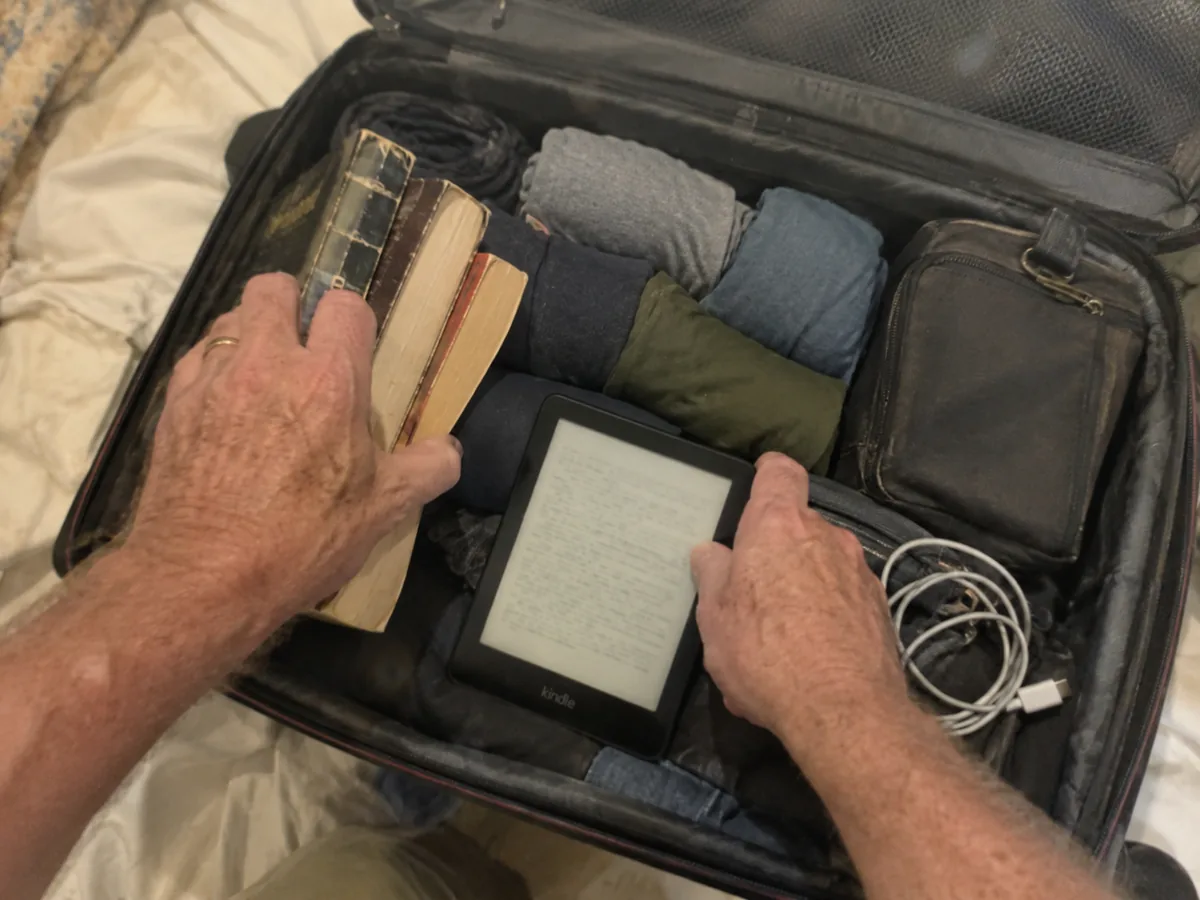
The problem was space. Deb and I spend half the year in a camper, where every cubby is spoken for, and the rest of the time I fly out of Lexington with one carry-on. Every trip meant three paperbacks: one I was reading, one I'd start on the way home, and one backup in case the first two disappointed me. That's about 1.5 pounds of paper in a carry-on that I try to keep under 18 pounds. On a trip to Portugal in 2024, I left the backup at home, finished both books by Wednesday and paid 24 euros for a very average thriller at the airport.
So in November 2024 I bought a Kindle Paperwhite, the 12th generation model that's still the current one today. Since then I've read 41 books on it across 23 trips. This spring I added a Kindle Colorsoft to see if color was worth the extra money. Then on August 21, Amazon raised the prices of both. Let's start with what that means for you.
The August price hike, in plain numbers
Amazon raised the prices of almost every Kindle by $40 to $50 overnight. Reports point to the global rise in memory chip prices, which is pushing up the cost of a lot of electronics this year. Here's where things stand at the time of writing:
| Model | Before August 21 | Now |
|---|---|---|
| Kindle (basic, 6 inches) | $109.99 | $149.99 |
| Kindle Paperwhite, 16 GB, with ads | $159.99 | $199.99 |
| Kindle Paperwhite Signature Edition, 32 GB | $199.99 | $249.99 |
| Kindle Colorsoft, 16 GB, with ads | $249.99 | $289.99 |
| Kindle Colorsoft Signature Edition, 32 GB | $279.99 | $319.99 |
"With ads" means Amazon shows book promotions on the lock screen. They never appear while you read. Removing them costs $20 on the standard models. I kept the ads on my Paperwhite for a month, then paid to remove them, mostly because a romance cover with a shirtless lumberjack greeted me every morning at breakfast and Deb started making comments.
So the Paperwhite now costs what the Signature Edition used to cost. Is it still worth it? The answer depends on the screen, and that's where it wins me over every day.
The screen: why reading on it feels like paper
The Paperwhite has a 7-inch E Ink screen at 300 pixels per inch. That's the same sharpness as a printed paperback at normal reading distance. Letters have clean edges, and after two hours of reading my eyes feel the way they feel after two hours with a book, not after two hours with a phone.
I borrowed my sister's 2018 Paperwhite for a side-by-side, and three things improved. The screen is bigger, 7 inches instead of 6, so there are fewer page turns. The contrast is higher, with blacker text on a whiter page. And page turns are noticeably faster: I timed 40 of them with a stopwatch on my phone's slow-motion video, and the new one flips in roughly two thirds of the time. You stop noticing the flash between pages.
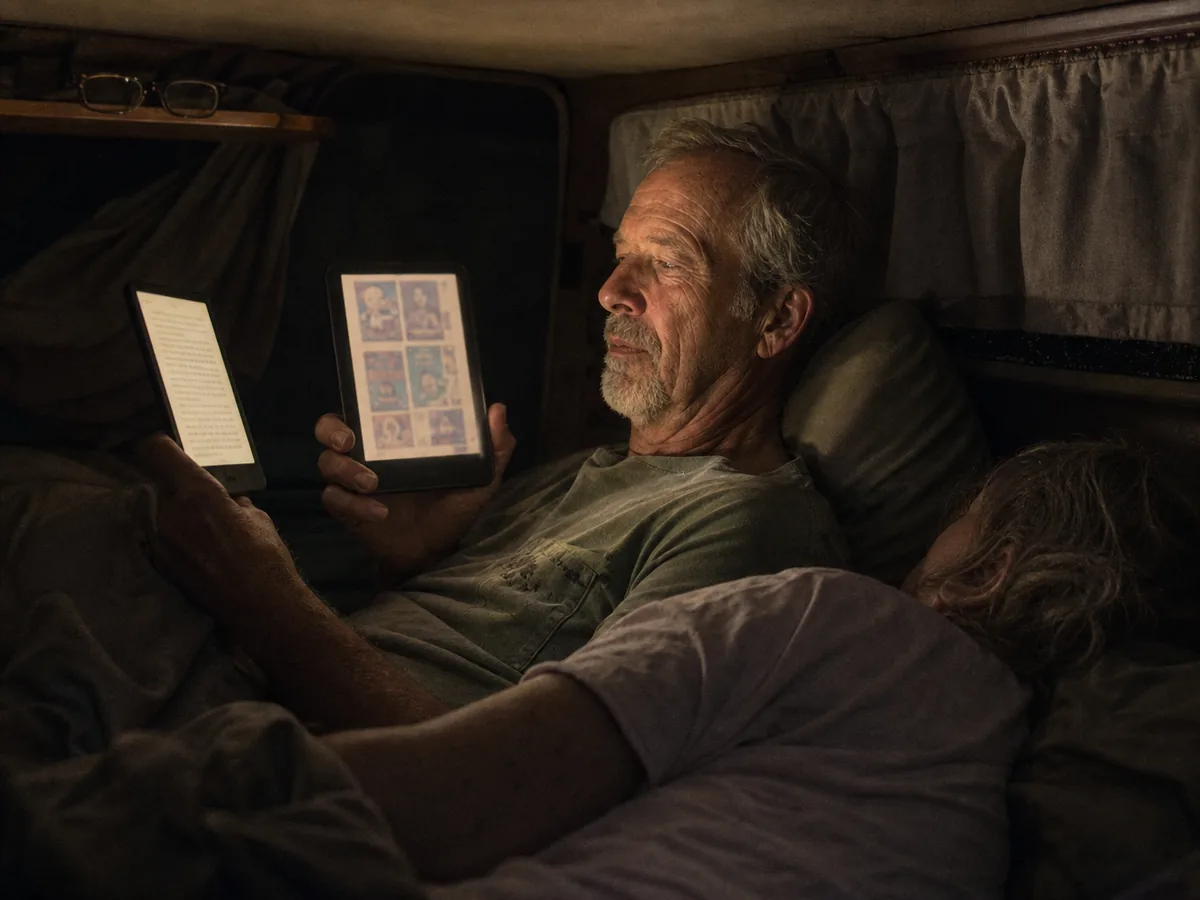
The front light goes from a cool white to a warm amber. At night I use the warm setting and dark mode, which puts white text on a black background. Deb, who sleeps next to me in a camper bed that isn't much wider than a bench seat, says it's the first reading light that doesn't wake her up.
In daylight, the Paperwhite doesn't need its light at all. Which brings me to the place where it beats every tablet and phone I own.
Beach, pool and plane: the travel test
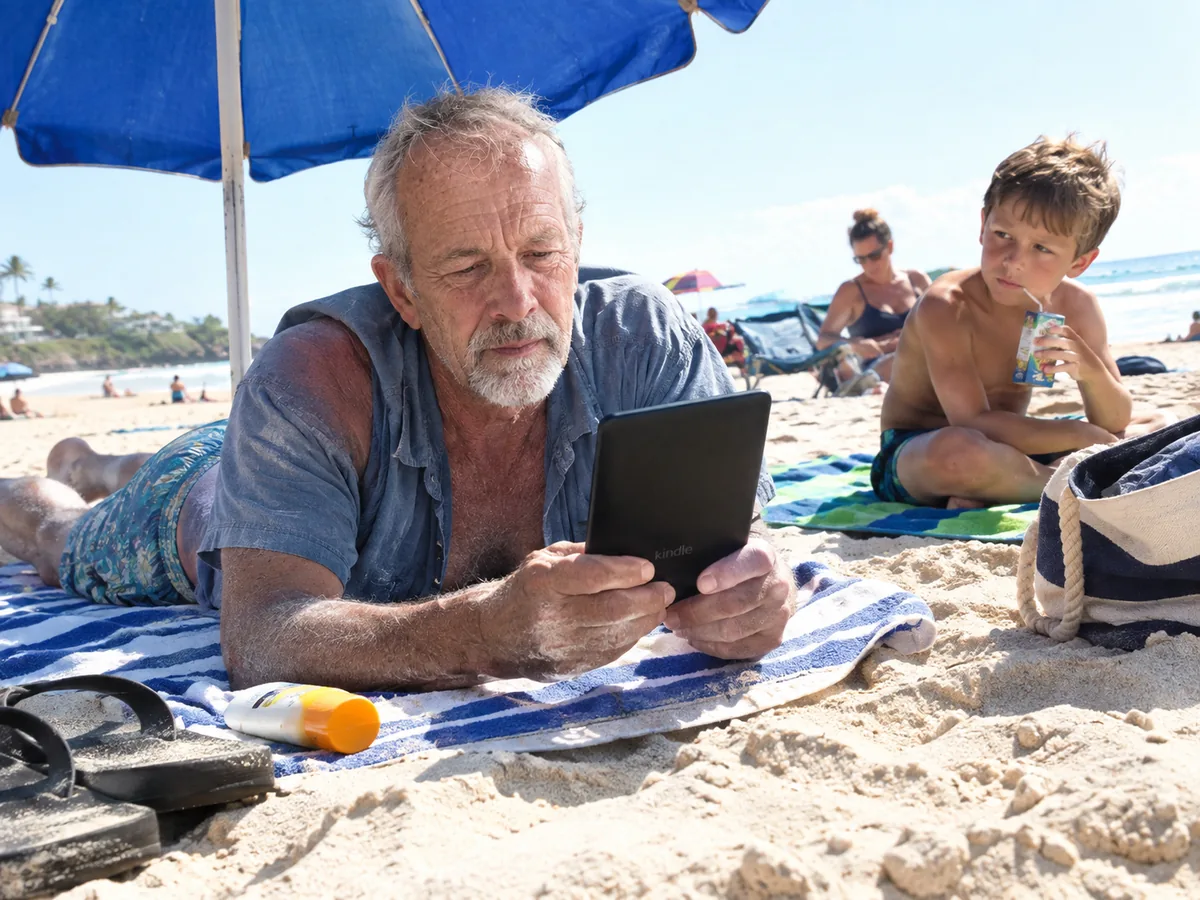
In June I spent a week in Puerto Rico, which meant about four hours of reading per day under a beach umbrella. In full sun, the Paperwhite was perfectly readable, like a real page. My phone, at maximum brightness, was a mirror with my own sunglasses in it.
A boy of about eight on the next towel watched me for a while and then asked his mother, not quietly, why the old man was reading "a phone for grandpas." I've thought about that more than I'd like to admit.
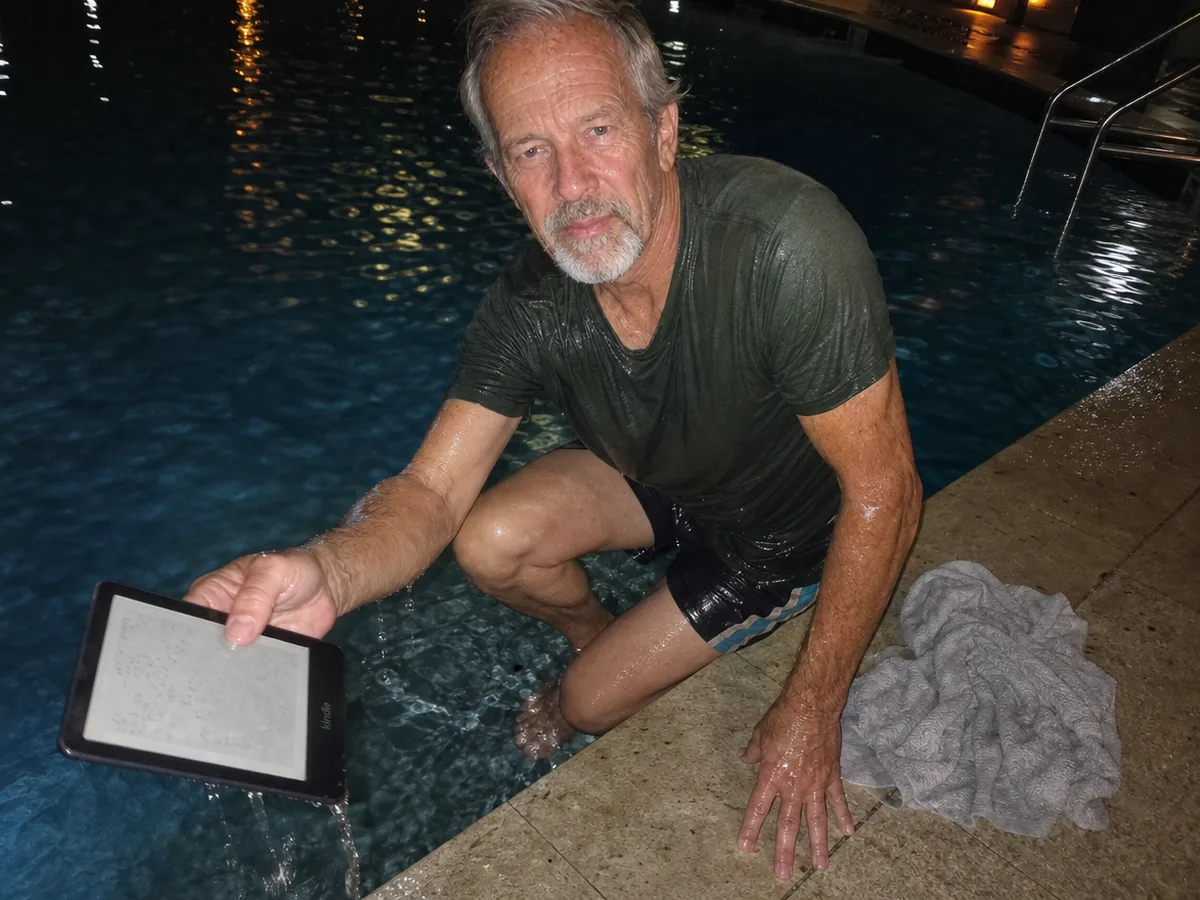
The Kindle is rated IPX8, which means it survives fresh water up to 2 meters for 60 minutes. I didn't plan to test that. On the last night, I put it on the edge of the hotel pool, turned to grab a towel and heard the splash. It spent about 20 seconds at the bottom before I fished it out. I dried it off, waited for the screen to stop acting jumpy, and it's been perfectly fine ever since. Salt water and sand are harder on it, so rinse it gently in fresh water after a beach day.
Speaking of the battery, this is where my travel log gave me real numbers.
Battery: what "12 weeks" means in real life
Amazon says up to 12 weeks on one charge. That's based on 30 minutes of reading a day, with Wi-Fi off and the light at a low setting. Nobody I know reads exactly like that.
I logged every charge for five months. On trips, when I read about 90 minutes a day with the light at a medium setting, one charge lasted an average of 26 days. At home, reading 30 to 40 minutes before bed, it went more than seven weeks. I've never packed the Kindle charger once. The USB-C cable I carry for everything else is enough, and a full charge from empty takes about two and a half hours from a regular phone charger.
The Colorsoft, under the same conditions, lasted 17 days on trips. Color screens need more light to look good, and that costs battery. Seventeen days is still longer than most trips, and in the camper I top it up from the house battery anyway, but it's worth knowing.
That's the first difference between the two. The bigger one is the screen itself.
Paperwhite vs Colorsoft: when color is worth $90
The Colorsoft has the same 7-inch size and the same 300 ppi for black-and-white text. Color images are shown at 150 ppi. In practice, colors look soft and muted, more like a newspaper comic than a magazine photo. That's normal for color E Ink, and it's still pleasant to look at.
What surprised me was the text. Side by side, the Colorsoft page is a little grayer and a little less crisp than the Paperwhite page, because of the color filter layer on top of the screen. With novels, I preferred the Paperwhite every single time. With a graphic novel, a cookbook or the picture books I read to my niece on video calls, the Colorsoft was lovely, and going back to grayscale felt like watching an old TV.
The early Colorsoft units had a known problem with a yellow band at the bottom of the screen. Amazon traced it to a manufacturing issue and fixed it. My unit, bought in April 2026, doesn't have it.
| Paperwhite (16 GB) | Colorsoft (16 GB) | |
|---|---|---|
| Screen | 7 inches, 300 ppi, black and white | 7 inches, 300 ppi text, 150 ppi color |
| Battery claim | Up to 12 weeks | Up to 8 weeks |
| Our travel reading test | 26 days | 17 days |
| Water resistance | IPX8 | IPX8 |
| Warm light and dark mode | Yes | Yes |
| Auto brightness, wireless charging | Signature Edition only | Signature Edition only |
| Price now, with ads | $199.99 | $289.99 |
| Best for | Novels, nonfiction, long trips | Comics, cookbooks, kids' books, magazines |
For most readers, the table points one way. But there's one more choice to make, and it's about the Signature Edition.
Is the Signature Edition worth $50 more?
The Paperwhite Signature Edition adds three things: 32 GB instead of 16, a light that adjusts itself to the room, and wireless charging. It also comes without lock screen ads.
Honestly, 16 GB holds thousands of books. You'll never fill it with novels, only with comics or audiobooks. Wireless charging is nice if you already have a charging pad on your nightstand. The auto light is the only feature I missed when I switched between the two. On a plane with the cabin lights going on and off, it adjusts for you.
If you'd pay $20 to remove ads anyway, the Signature Edition is really a $30 upgrade. That's a fair deal if you read at night a lot. If not, the regular Paperwhite does everything that matters.
Whichever you pick, there's one more thing that makes a Kindle much cheaper to run than it looks.
Where the books come from
You don't have to buy every book. Kindle Unlimited costs $11.99 a month and includes a large catalog, strong in romance, thrillers and series fiction, weaker in big new releases. Before you pay for it, check your local library: through the Libby app, you can borrow e-books for free with a library card and send them to your Kindle. Of my 41 books, 17 came from the library, 15 I bought and 9 came from Kindle Unlimited during a three-month trial.
"So you're telling me the library just gives you books on this thing? For free?" My sister, who has since borrowed 11 books and returned exactly zero paperbacks to me
The library trick alone can pay for the price difference in a few months. It's also the reason I don't regret the Kindle even after the price hike.
Who should buy which, and who should wait
A new Paperwhite is rumored for 2027, partly because of new European battery rules, but Amazon hasn't announced anything. I wouldn't wait for a rumor. Amazon has put Kindles on sale during its big fall sale event in past years, and certified refurbished units come with the same warranty and cost less, so that's where I'd look first.
The alternatives we'd consider
- Basic Kindle ($149.99 with ads). Smaller 6-inch screen, same sharpness, not waterproof. Fine for reading at home.
- Kobo Clara Colour. A smaller color e-reader, usually cheaper than the Colorsoft, and it works with library books directly through the OverDrive service.
- Kobo Libra Colour. Physical page-turn buttons, which the Kindle lacks, and stylus support for notes.
If you fly a lot, Brenda's list of travel tech she actually packs is worth a look too, since she fights for every ounce in her bag. On long flights I pair it with the earbuds Brenda tested in her AirPods Pro 3 review, noise cancelling on and nothing playing, which is the quietest way I know to read at cruising altitude. You'll find all our tested picks in our reviews, and the way we test them is explained on our how we test page.
And the 212 paperbacks? Still on the shelf. I've just stopped carrying them through airports.
Questions readers asked us
Is the Kindle Paperwhite still worth it after the price increase?
For regular readers, yes. At $199.99 it's more expensive than before, but it lasts for years, and borrowing free library books through Libby can make up the difference quickly. Watch for sales and certified refurbished units.
What's the difference between the Kindle Paperwhite and the Colorsoft?
The Colorsoft adds a color screen for images, comics and highlights. Text is slightly grayer and less crisp than on the Paperwhite, the battery lasts less, and it costs $90 more.
Can you read a Kindle Paperwhite in the bathtub or pool?
Yes. It's rated IPX8 for fresh water up to 2 meters for 60 minutes. Ours survived a fall into a hotel pool. Rinse it with fresh water after salt water and dry it before charging.
How long does the Kindle Paperwhite battery really last?
In our test, 26 days of travel reading at about 90 minutes a day, and more than seven weeks at 30 to 40 minutes a day. Amazon's 12-week claim assumes 30 minutes a day with Wi-Fi off.