
AirPods Pro 3 after ten months and 58 flights: worth it, or stay on Pro 2?
I wore AirPods Pro 3 on 58 flights, one ear against the old Pro 2 on some of them. Here's what got better, what got worse, and who should keep the earbuds they have.
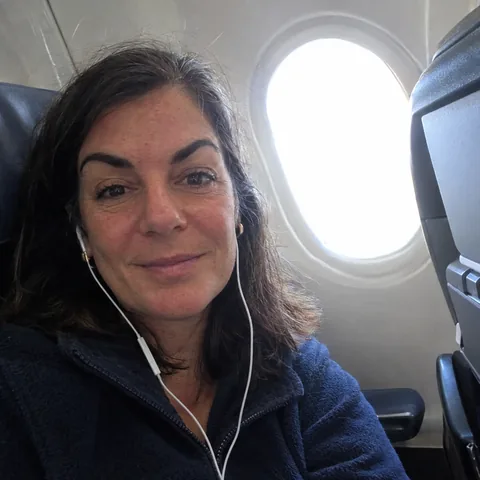 By Brenda Vukovich, tech and travel tester, frequent flyer
Tested in Chicago, Illinois · July 22, 2026 · 11 min read
- Clearly quieter than Pro 2 on planes, especially voices
- 7 h 41 min per charge with noise cancelling on
- Five tip sizes, from XXS to L
- Hearing test and hearing aid features built in
- The new shape doesn't suit every ear
- Case holds less than the Pro 2 case
- No lanyard loop on the case anymore
- Most of the smart features need an iPhone
Short version: the best earbuds for iPhone owners who fly, commute or work in noisy places. If your Pro 2 still fit well and hold a charge, the upgrade is nice but not urgent. Try the fit before you commit.
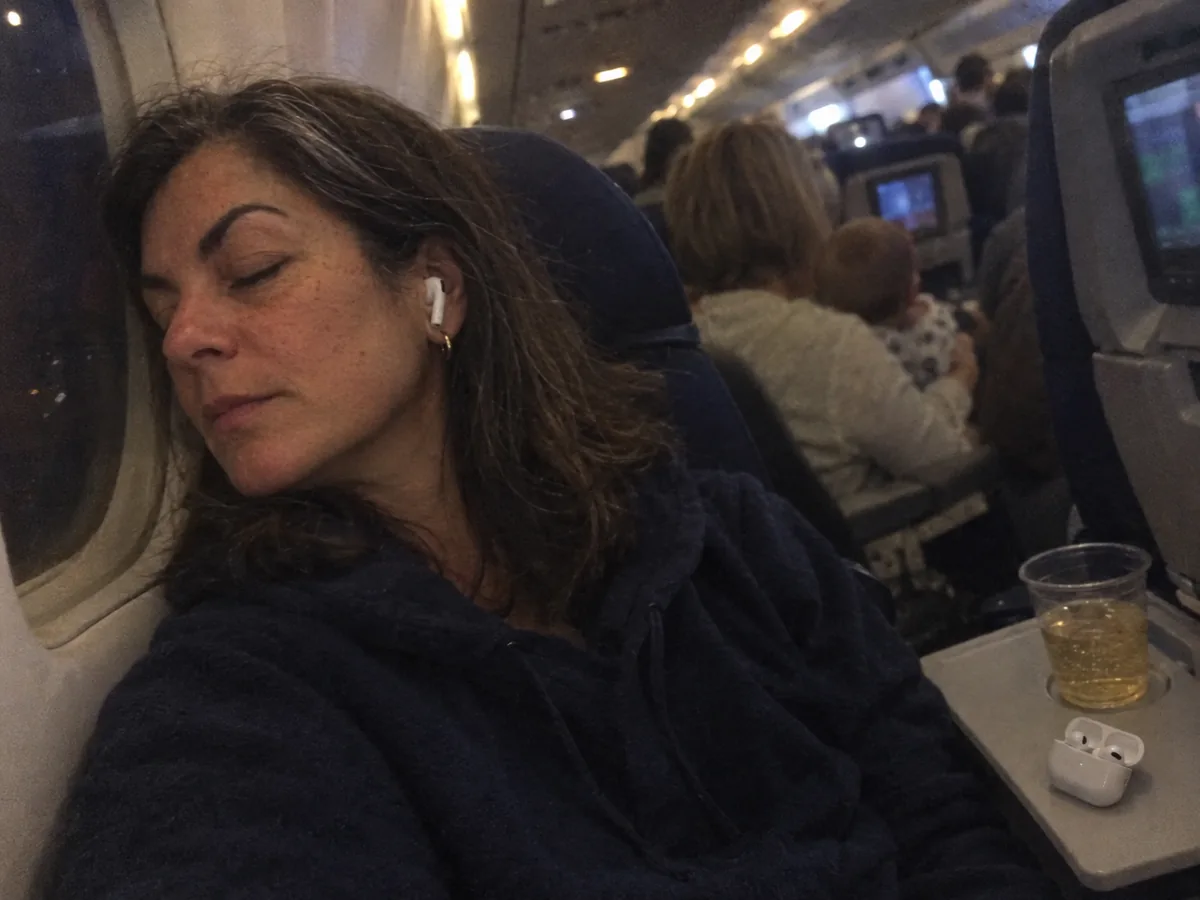
The baby in 22F cried for 47 minutes between Chicago and Boston. I know it was 47 minutes because I checked my watch when I realized I had stopped hearing her by the time we crossed Lake Erie.
That was flight number 12 with the AirPods Pro 3. I bought them in September 2025, the week they came out, and they've been in my ears on 58 flights since, plus the subway, two hotel gyms a week and more conference calls than I'd like to count. I also kept my old AirPods Pro 2, because the question I get most from friends is simple: "Mine still work. Should I bother?"
Ten months is a good point to answer that honestly. Some things about these earbuds are much better. One thing is worse, and one thing could be a dealbreaker for your ears. Let's start with the part Apple talked about most.
What changed from the AirPods Pro 2
The price stayed at $249. Almost everything else moved a little:
- Noise cancelling: Apple claims up to twice as much as the Pro 2.
- New ear tips: silicone on the outside with a foam core inside, in five sizes from XXS to L.
- Battery: up to 8 hours per charge with noise cancelling, up from 6. The case now holds less, for about 24 hours total instead of 30.
- Heart rate sensor in each earbud, for workouts.
- Live Translation for face-to-face conversations, with a recent iPhone.
- IP57 dust and water resistance, for the earbuds and the case.
The case still has a speaker for finding it, Precision Finding and USB-C, and it charges on MagSafe and Qi pads. The small loop for a lanyard is gone. I used it exactly once in two years, but my colleague Tammy, who has two kids and a lot of bags, took it personally.
On paper, the noise cancelling is the headline. So I tested it the only way that made sense to me.
One ear each: Pro 3 against Pro 2 at 36,000 feet
On four flights I wore a Pro 3 earbud in my right ear and a Pro 2 earbud in my left, then switched sides halfway through to rule out my own ears. I measured the cabin with a sound meter app before takeoff and at cruise: 79 to 83 dB, a little louder in the back rows near the engines.
The difference was obvious within a minute. The deep engine rumble was quieter on both, but the Pro 3 did much better with the middle frequencies, the ones where voices, drink carts and crying babies live. With the Pro 2, I could still follow the conversation two rows back. With the Pro 3, it became a murmur I couldn't turn into words.
"Wait, did the engines stop?" Me, out loud, the first time I switched from the Pro 2 ear back to the Pro 3 ear. The man in 14C did not find it funny.
Is it twice as quiet? My ears can't measure that and neither can a phone app. What I can tell you is that I used to raise my podcast volume to 70% on long flights, and with the Pro 3 I sit at 50%. Over a five-hour flight, that's easier on your hearing, and I get off the plane with less of that buzzing-head feeling.
There's one catch, and it's the reason these earbuds aren't a 9.5 for me. All that noise cancelling depends on a seal, and the seal depends on how they fit your ear.
The fit problem nobody warns you about
The Pro 3 have a new shape. They sit a little deeper and the body is slightly bigger. For about 70% of the people I've handed them to, that's fine or better. For the rest, it's not.
My own right ear was the problem. For the first two weeks, the right earbud slowly worked its way out whenever I chewed, which on a plane with snacks is often. I thought I had a defective pair. Then I ran the Ear Tip Fit Test in the Bluetooth settings and discovered my ears aren't twins: the left is happy with M, the right needed S. Since the switch, not a single slip in ten months, including hotel treadmill runs.
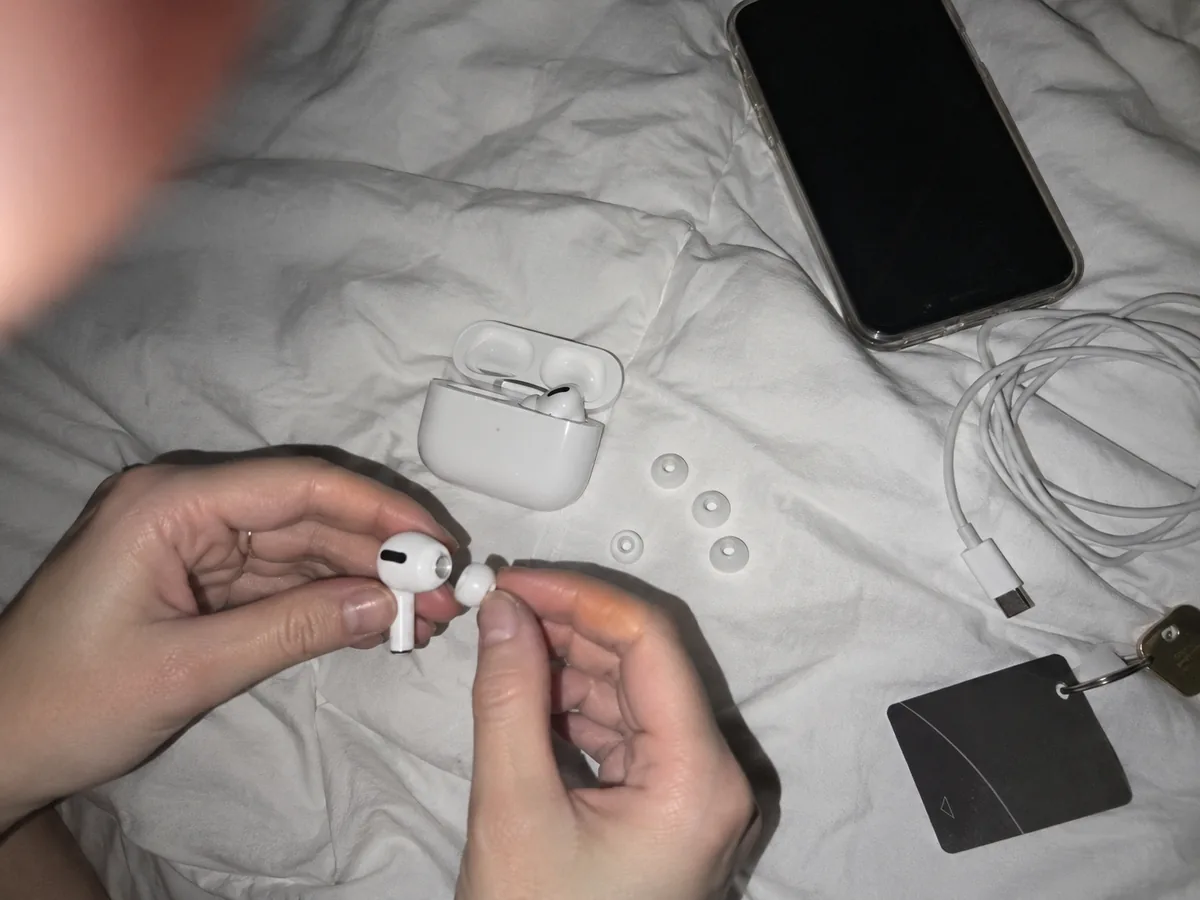
Two friends weren't so lucky. My colleague Darlene tried all five sizes and still felt pressure after an hour. Plenty of owners online report the same thing, and some went back to the Pro 2 because of it. Fit is personal, and nobody can promise you it'll work.
Once the fit is right, the sound is the next thing you notice. And it changed more than I expected.
Sound: fuller, with one small quirk
The Pro 3 have a little more weight in the bass and clearer vocals than the Pro 2. On my usual test tracks, a jazz trio recording and a pop song with heavy synth bass, the kick drum felt rounder and voices sat more in front of the music. Podcasts are easier to follow at lower volume, which is what I care about most on planes.
They aren't audiophile earbuds. The sound is warm and pleasant, not the most detailed you can buy at this price. If you listen to a lot of classical or acoustic music in a quiet room, Sony's top earbuds have more air around the instruments.
The quirk: in a completely silent room, with noise cancelling on and nothing playing, I can hear a very faint hiss. You won't notice it with music, on a street or on a plane. At 1 a.m. in a quiet hotel room, while trying to sleep with them in, I noticed it. Forum threads suggest I'm not the only one. If you want silence for sleep, soft foam earplugs are still cheaper and more comfortable.
Speaking of long nights, let's talk about the battery, because that's where the trade-off gets interesting.
Battery: longer per charge, less in the case
I timed the earbuds three times from full to empty, noise cancelling on, podcasts and music at 50% volume. The average was 7 hours 41 minutes. With a workout running and the heart rate sensor active, the same test ended around 6 hours 50 minutes.
That's two hours more than my Pro 2 managed when new, and it matters more than it sounds. On a flight from New York to Los Angeles, the Pro 2 always needed a break in the case before landing. The Pro 3 make it gate to gate with charge to spare. Five minutes in the case gave me 58 minutes of listening, handy when you forget to charge them before leaving the hotel.
The catch is the case. It holds around 24 hours of total listening, down from 30 on the Pro 2. On my 18-hour trip to Singapore last November, I charged the case from my power bank during the layover. For most people, that's never a problem. For long-haul travelers, keep a USB-C cable handy.
| Our measurement | AirPods Pro 3 | AirPods Pro 2 (ours, 2 years old) |
|---|---|---|
| Listening with noise cancelling | 7 h 41 min | 4 h 55 min |
| With heart rate active | 6 h 50 min | No sensor |
| Listening after 5 minutes in the case | 58 min | About 55 min |
| Apple's total with case | Up to 24 h | Up to 30 h |
Battery life is the practical upgrade. The new sensors are the fun one, and I was more skeptical about them than about anything else.
Heart rate and Live Translation: useful, with limits
The earbuds read your heart rate through the skin inside your ear and send it to the Fitness app on your iPhone during a workout. I don't wear an Apple Watch, so this was the first time my phone knew how hard I was working on a hotel treadmill.
To check it, I borrowed a chest strap from Randall, our outdoor tester, and did six 30-minute treadmill sessions with both. The average heart rate from the earbuds was within 3 beats per minute of the strap every time. On sprints, the earbuds lagged by a few seconds on the way up. For casual workouts, it's genuinely good. For serious interval training, a chest strap is still the better tool.

Live Translation works with an iPhone 15 Pro or newer and Apple Intelligence turned on. You hear the other person in your language, and your phone shows or speaks your reply in theirs. In Lisbon, I used it with a taxi driver on the ride from the airport. It worked, mostly, although the voice in my ear translated with Brazilian Portuguese settings and the driver kept laughing at how my phone spoke. We got to the hotel. He also recommended a bakery, which the translation got perfectly.
The feature I didn't expect to care about was the one I ended up recommending to my own family.
The hearing features my dad actually uses
The Pro 3, like the Pro 2 before them, include a hearing test, a hearing aid feature cleared for people with mild to moderate hearing loss, and hearing protection that lowers loud sounds around you.
At Thanksgiving, my dad, who is 71 and has been "fine, thank you" about his hearing for a decade, did the five-minute test on my phone to prove a point. The result showed mild loss in both ears. He now borrows my old Pro 2 in hearing aid mode for noisy restaurant dinners, and for the first time in years he doesn't answer questions nobody asked him. This isn't a replacement for a real audiologist, and Apple says so too. But as a first step, it got a stubborn man to book an appointment.

All of that works beautifully on an iPhone. On anything else, the picture changes.
AirPods Pro 3 specs at a glance
| Spec | AirPods Pro 3 |
|---|---|
| Chip | Apple H2 |
| Battery, earbuds | Up to 8 h with noise cancelling (Apple), 7 h 41 min in our test |
| Battery, with case | Up to 24 h |
| Ear tips | Foam-core silicone, XXS, XS, S, M, L |
| Sensors | Heart rate, skin-detect, motion |
| Water and dust | IP57, earbuds and case |
| Case | USB-C, MagSafe and Qi charging, speaker, Precision Finding |
| Price | $249 list, often $199 to $219 on sale |
Who should buy them, and who shouldn't
At $249 they're a fair price for what they do. At the $199 we've seen several times on sale, they're an easy recommendation. Prices for Apple earbuds rarely stay at list for long, so patience usually pays.
The alternatives we'd consider
- AirPods Pro 2, if you find them cheap. Slightly less noise cancelling, shorter battery, more comfortable for some ears.
- AirPods 4 with noise cancelling (around $179). An open fit with no ear tips at all, for people who hate the feeling of something in their ear canal. The noise cancelling is much weaker.
- Bose QuietComfort Ultra Earbuds. Equal or better noise cancelling and a secure fit with stability bands, but bigger and without Apple's easy switching between devices.
- Samsung or Sony earbuds if you're on Android. If you're thinking of switching phones altogether, my Galaxy S26 Ultra review covers the Android phone I tested this spring.
The AirPods Pro 3 are one of the seven things that never leave my bag, and you can see the other six on my frequent flyer packing list. Every product we recommend is collected in our reviews, and if you're curious how we test things like battery claims, it's all on our how we test page.
As for my old Pro 2, they're my dad's now. He says they're "fine, thank you." He also says the restaurant is much less noisy these days.
Questions readers asked us
Are AirPods Pro 3 worth it if I have AirPods Pro 2?
Only if your Pro 2 battery has faded, you fly a lot, or you want the heart rate sensor. Noise cancelling and battery life are clearly better, but the Pro 2 are still very good earbuds, and some ears find them more comfortable.
Why do my AirPods Pro 3 keep falling out?
Usually the tip size. Run the Ear Tip Fit Test in the Bluetooth settings and try a smaller tip on the side that slips. Your two ears can need different sizes. If none of the five sizes work, the new shape may just not suit your ears.
Do AirPods Pro 3 work with Android phones?
Yes, as regular Bluetooth earbuds with noise cancelling and transparency. You lose automatic switching, the ear tip fit test, heart rate, Live Translation, the hearing features and easy settings.
Can AirPods Pro 3 track heart rate without an Apple Watch?
Yes. During workouts, they send your heart rate to the Fitness app on your iPhone. In our test they stayed within 3 beats per minute of a chest strap on average.