
iPad Air 11-inch (M4) after six months: still worth it at $749?
I bought the 11-inch iPad Air in March for $699. In June Apple raised the price by $150. After six months and 29 flights, here's who it's still right for, and what a fair price looks like this holiday.
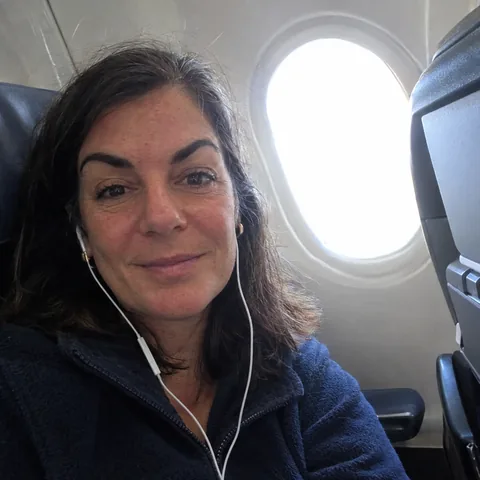 By Brenda Vukovich, tech and travel tester, frequent flyer
Tested in Chicago, Illinois · September 2, 2026 · 12 min read
- M4 exported our 4K test video 2.1 times faster than an M1 iPad Air
- 11 h 05 min of video playback in our test
- 12 GB of memory, so apps stay open
- Landscape front camera for video calls
- $150 more expensive since June 25
- 60 Hz screen feels slow next to a recent iPhone
- Glossy glass reflects a lot in a window seat
- Keyboard and Pencil add hundreds of dollars
Short version: fast, light and good for years. For travel, school, drawing and a second screen, it's the iPad I'd pick. But $749 for 128 GB is steep, so buy it on sale: $649 or less is a good price, and the base iPad is enough for streaming and email.
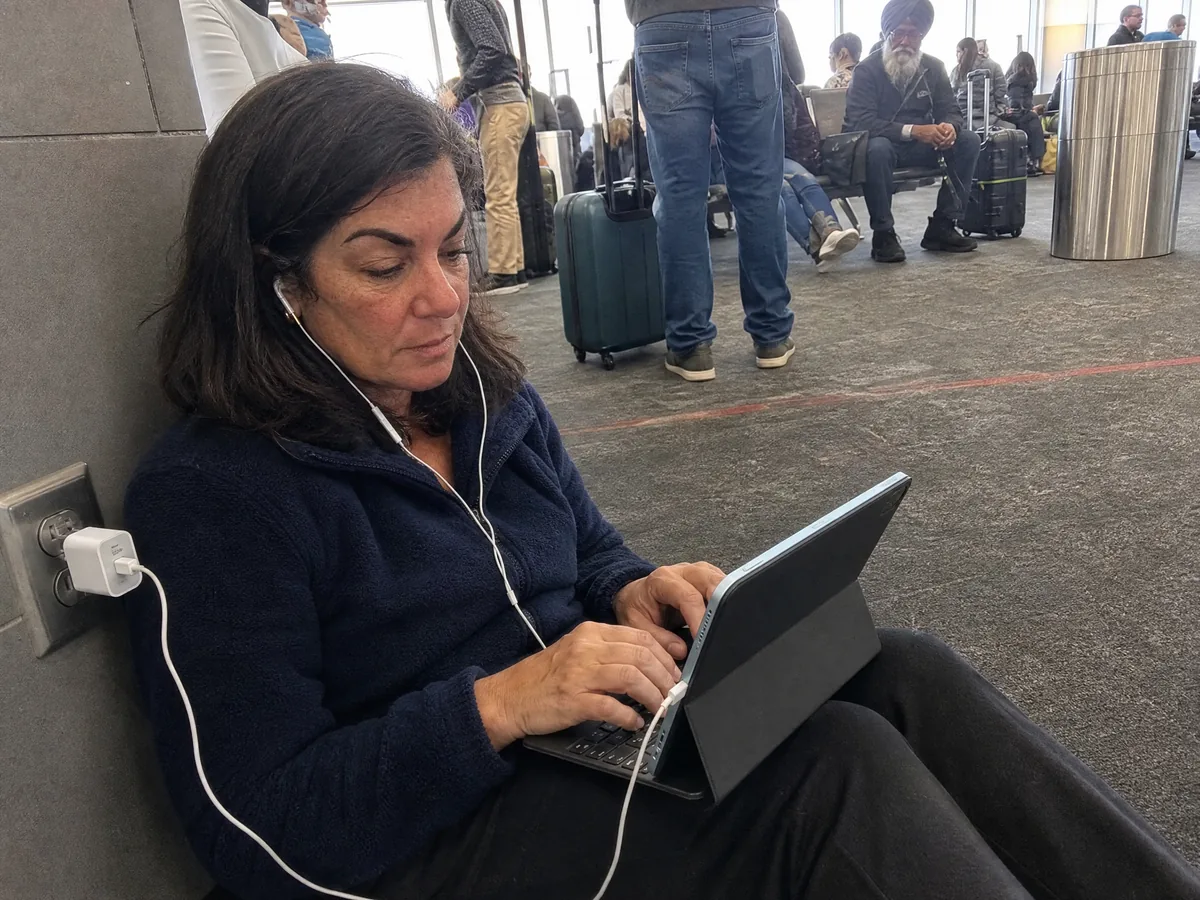
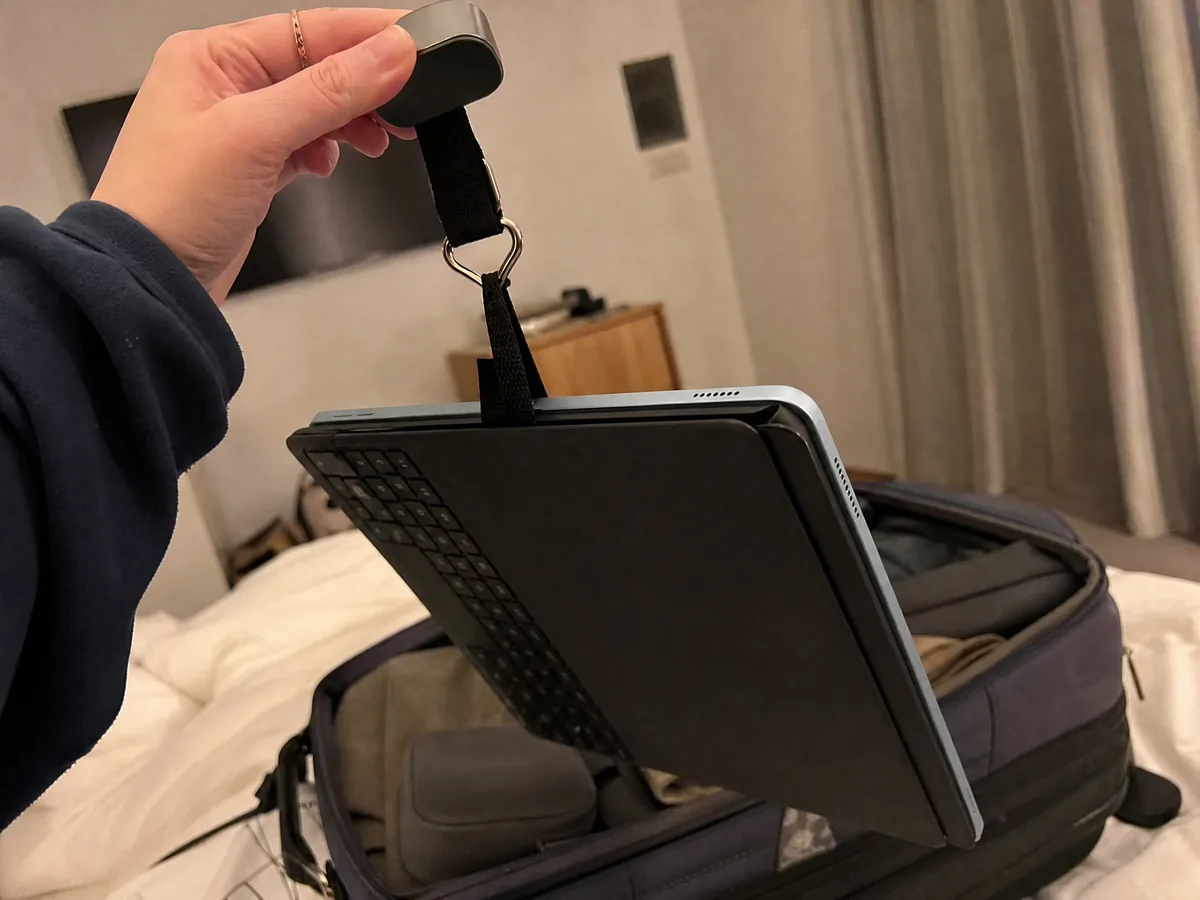
Four screens. That's how many I carried to Denver in February: a work laptop, an old iPad Air, my phone and a Kindle. My luggage scale said the tech alone weighed 6.4 pounds, and at security I needed two bins just for things with batteries.
So in March I made a deal with myself. I'd buy the new iPad Air with M4, 11-inch, and try to replace both the laptop and the old iPad on trips. I paid $699 for the 256 GB Wi-Fi model in blue, on its first week in stores. It has since done 29 flights, lived on hotel desks from Boston to Singapore and spent a lot of Sunday afternoons in the hands of my nine-year-old nephew.
Then, on June 25, Apple raised the price. The same iPad I bought for $699 costs $849 today. That changes the math, and it's the first thing you need to know.
The June price jump, in plain numbers
At launch in March, the 11-inch iPad Air started at $599, the same as the M3 model before it. After June 25 it starts at $749. The prices changed on Apple's website along with those of MacBooks and other iPads, in a year when memory chips cost far more than they did in 2025.
| iPad Air 11-inch (M4), Wi-Fi | March 2026 | Since June 25 |
|---|---|---|
| 128 GB | $599 | $749 |
| 256 GB | $699 | $849 |
| 512 GB | $899 | $1,049 |
| 1 TB | $1,099 | $1,349 |
| Cellular models | +$150 | +$150 |
For context, at the time of writing the basic iPad with the A16 chip is $449, the iPad mini is $599, and the 11-inch iPad Pro with M5 starts at $1,199. So the Air still sits in the middle, just higher up. Is the middle worth it? That depends on what the M4 does for you, so that's where my testing started.
M4 speed: what it changes in real life
The iPad Air now has the M4 chip, with an 8-core CPU and 9-core GPU, and 12 GB of memory, 50% more than the M3 model. Apple says it's up to 30% faster than the M3 and up to 2.3 times faster than the M1.
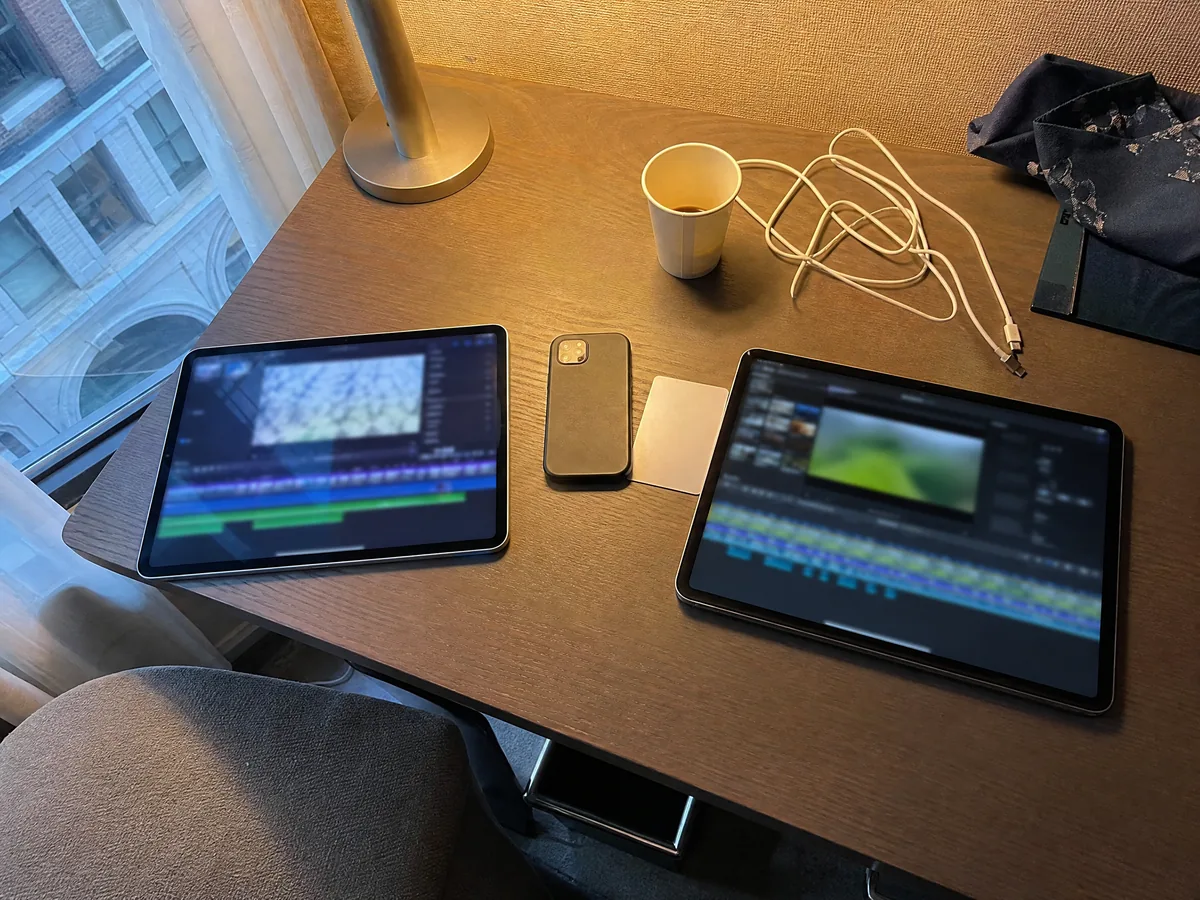
My old iPad was a 2022 Air with the M1, so I ran the same job on both: exporting a 10-minute 4K video I'd shot at a friend's wedding, in the same editing app, same settings, plugged in. The M1 took 6 minutes 48 seconds. The M4 took 3 minutes 12 seconds. That's 2.1 times faster, close to Apple's claim.
Here's the honest part. For email, streaming, notes, web pages and video calls, I couldn't feel a difference between the M1 and the M4. Both are instant. Where the M4 shows up is in the heavy stuff: video exports, big photo edits, console-style games from the App Store, and keeping a lot of apps open. With 12 GB of memory, I can jump between a browser with 20 tabs, a spreadsheet, a video call and my notes app, and nothing reloads when I come back to it. On my M1, Safari reloaded tabs all day.
Speed also means the iPad will stay fast for years, which matters more now that it costs more. The part you look at every day, though, didn't change much.
The screen: sharp, bright, and still 60 Hz
The 11-inch Liquid Retina screen has 2360 by 1640 pixels and up to 500 nits of brightness. Text is crisp, colors are accurate, and movies look great on a plane. What it doesn't have is ProMotion, Apple's smooth 120 Hz scrolling, which stays on the iPad Pro.
If you've never used a 120 Hz screen, you won't notice. My phone is an iPhone 15 Pro with a 120 Hz screen, and every time I scrolled a long web page on the iPad, it felt like the screen was a beat behind my finger. After a week I stopped noticing. My partner, who uses an older iPhone, never noticed at all.
The bigger issue on planes is glare. The glass is glossy, with no anti-reflective coating, and in a window seat at noon, with the shade up, I could see my own face over the movie. Pull the shade down halfway, or sit on the aisle for movie flights. In a hotel room or on the couch it's lovely.
A good screen needs a battery that lasts a travel day. This is where the Air surprised me.
Battery: 11 hours of movies, a full workday of typing
Apple rates the 11-inch Air for up to 10 hours of web browsing or video on Wi-Fi. It has a 28.93 watt-hour battery. I ran three tests at 50% brightness from 100% to shutdown:
| Our test, 50% brightness | Result |
|---|---|
| Downloaded movies on loop, airplane mode | 11 h 05 min |
| Web pages on a loop over hotel Wi-Fi | 9 h 12 min |
| Real workday: keyboard, browser, docs, chat, one 45-min video call | 7 h 30 min |
| Charging 5% to 100% with a 30 W USB-C charger | 2 h 40 min |
On the flight from Chicago to Singapore, with a connection in Tokyo, I watched four movies, wrote two drafts and still landed with 18%. My old M1 would have died over the Pacific. For a normal day of trips, I charge it every second night.
The battery handles a travel day. Whether the iPad can replace a laptop on that day depends on what you put around it.
Can it replace a laptop on trips?
For me, mostly yes. I bought the Magic Keyboard for iPad Air, which turns it into a small laptop with a trackpad, and the Apple Pencil Pro for marking up PDFs. Before the June changes they were $269 and $129, and with today's prices it's worth checking the tags again. Together with the iPad, my luggage scale says 2.3 pounds, lighter than a 13-inch MacBook Air.
The iPadOS 26 update helped a lot. Apps now open in windows you can resize and move, there's a menu bar at the top, and the Files app finally behaves like a real file manager. On an 11-inch screen I keep it to two windows side by side. Three is possible and feels like working in a phone booth.
Where it still falls short: some work tools I use only run properly on a Mac, and the keyboard sitting on your lap is top-heavy, because the iPad's weight sits behind the hinge. On a plane tray table it's fine. On my knees at a gate it tipped backward twice before I learned to keep my hand on the palm rest.
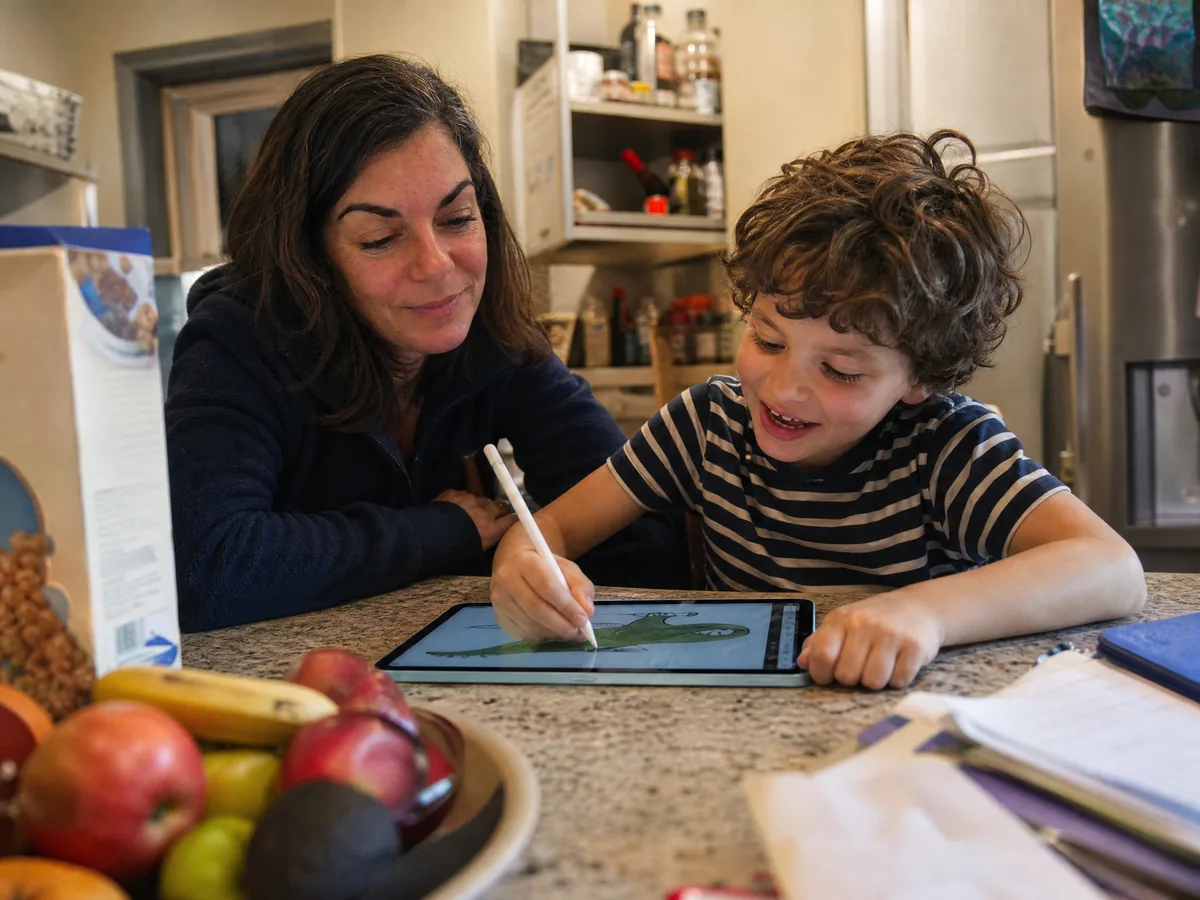
"Can I have it when you're done testing it?" My nephew, age nine, every Sunday since March, holding the Pencil like he already owns it.
The front camera is on the long side now, where it belongs. On hotel video calls with the keyboard attached, I'm finally looking at people instead of to the side of them. Touch ID sits in the top button and has worked every time, including with slightly damp hands after a gym session.
The spec sheet, then the money question.
iPad Air 11-inch (M4) specs at a glance
| Spec | iPad Air 11-inch (M4) |
|---|---|
| Chip and memory | M4, 8-core CPU, 9-core GPU, 12 GB |
| Screen | 11-inch Liquid Retina, 2360 x 1640, 264 ppi, 500 nits, 60 Hz |
| Battery | 28.93 Wh, up to 10 h (Apple), 11 h 05 min of video in our test |
| Cameras | 12 MP back with 4K video, 12 MP landscape front with Center Stage |
| Security | Touch ID in the top button |
| Connections | USB-C up to 10 Gb/s, Wi-Fi 7, Bluetooth 6, 5G on cellular models |
| Weight | 464 g (1.02 lb), Wi-Fi model |
| Colors | Blue, Purple, Starlight, Space Gray |
| Accessories | Apple Pencil Pro, Apple Pencil (USB-C), Magic Keyboard for iPad Air |
| Price | From $749, Wi-Fi, 128 GB, at the time of writing |
Holiday buying: the price to aim for
Apple almost never discounts its own iPads, but the big stores do. In March, a week after launch, Best Buy had the 11-inch at $559, $40 under the list price back then. Since the June increase, discounts have been small and short, and the first $100 cut showed up on Amazon on September 22, which is why this article has an update at the top.
I don't have reliable numbers for last year's holiday prices on the older M3 model, and after a $150 price jump they wouldn't tell you much anyway. So here's the rule I'm using for this season, based on today's list prices.
Which storage? If you mostly stream and browse, 128 GB is fine. If you download movies for flights, keep photos on the device or edit video, get 256 GB. I've used 141 GB of mine, and a third of that is downloaded shows. Skip the cellular model unless you'll really pay for a data plan. My phone's hotspot has covered every trip.
As a gift, it works for a college student, a traveler, someone who draws or a parent who wants a big screen for video calls with the grandkids. For a young child, it's too much money for something that will be dropped. Get the base iPad and a thick case. For the Air, plan on:
- A case. A simple folio protects the screen and props it up for movies.
- Apple Pencil, if they draw or take notes. The USB-C model is cheaper. The Pro adds squeeze and barrel roll controls and shows up in Find My.
- A keyboard, only if they'll type a lot. A basic Bluetooth keyboard costs a fraction of Apple's.
- AppleCare+ for students and kids, who are the people most likely to crack a screen.
Apple and most big stores have offered longer holiday return periods in past years, so an iPad bought in late November can usually go back in January. Ask at checkout for this year's cutoff. If the gift is for someone else, ask for a gift receipt and don't set it up with your own Apple Account.
Who should get the Air
The alternatives we'd consider
- iPad with A16 ($449). Same 11-inch size, slower chip, no Apple Pencil Pro support. Plenty for streaming, email, school and kids.
- iPad mini ($599). Small enough for a jacket pocket and great for reading on planes. Too small for real work.
- iPad Pro 11-inch with M5 ($1,199). A 120 Hz OLED screen and Face ID. For artists and video editors who'll use every bit of it.
- A laptop, if you type more than you touch. An iPad with a keyboard is great on trips and less great for eight-hour days of spreadsheets.
The iPad Air is now one of the seven things in my travel bag, and my frequent flyer tech list shows the rest. For movies on planes it pairs with the AirPods Pro 3 I flew 58 times in my earbuds review. For how we measure batteries and speed, see how we test. Every other review lives on the blog.
My old M1 iPad went to my sister's house, where it now lives on the kitchen counter as a recipe screen. And my nephew? He's asked for his own iPad for Christmas. I've told him the price rule. He's nine, and he's already tracking deals better than most adults I know.
Questions readers asked us
Is the iPad Air M4 worth it at $749?
It's a very good tablet, but $749 for 128 GB is a lot after the June increase. We'd aim for $649 or less. If you mainly stream and browse, the $449 iPad is enough.
Why did the iPad Air price go up in 2026?
Apple raised prices on the iPad Air and other devices on June 25, 2026, from $599 to $749 for the 11-inch base model. Apple didn't give a reason, and rising memory chip prices are driving up the cost of electronics across the industry.
Will the iPad Air be on sale for Black Friday?
Retailers like Amazon and Best Buy usually discount iPads during big sales, and Amazon already cut the 11-inch to $649 in September. We'd call $649 a good price and $599 a great one for the 128 GB Wi-Fi model.
How long does the iPad Air 11-inch battery last?
Apple says up to 10 hours. In our tests at 50% brightness, we got 11 h 05 min of downloaded video, 9 h 12 min of web browsing and about 7.5 hours of real work with a keyboard.
iPad Air or iPad Pro: which should I buy?
For most people, the Air. The Pro adds a 120 Hz OLED screen, Face ID and more speed for $450 more. It's worth it for artists and video editors who need the screen, not for streaming, notes and email.