
Galaxy S26 Ultra review: is the privacy screen worth $1,299? Five weeks to find out
A stranger on a train was reading my banking app. Then I bought the Galaxy S26 Ultra. Five weeks later, here's what the privacy screen, battery and cameras are really like.
 By Brenda Vukovich, tech and travel tester, frequent flyer
Tested in Chicago, Illinois · June 18, 2026 · 11 min read
- Privacy Display really works, and only where you want it
- Thinner and lighter than the S25 Ultra: 7.9 mm, 214 g
- 0 to 50% in 15 minutes with a 60W charger
- Seven years of Android updates
- No magnets for Qi2 accessories without a special case
- Screen is dimmer and more reflective with privacy on
- S Pen still has no Bluetooth tricks
- Samsung Keyboard is frustrating
Short version: the most complete Android phone we've used this year. The privacy screen is the first new feature in years I'd genuinely miss. If you don't care about a stylus or privacy, cheaper phones get you 90% of the way.
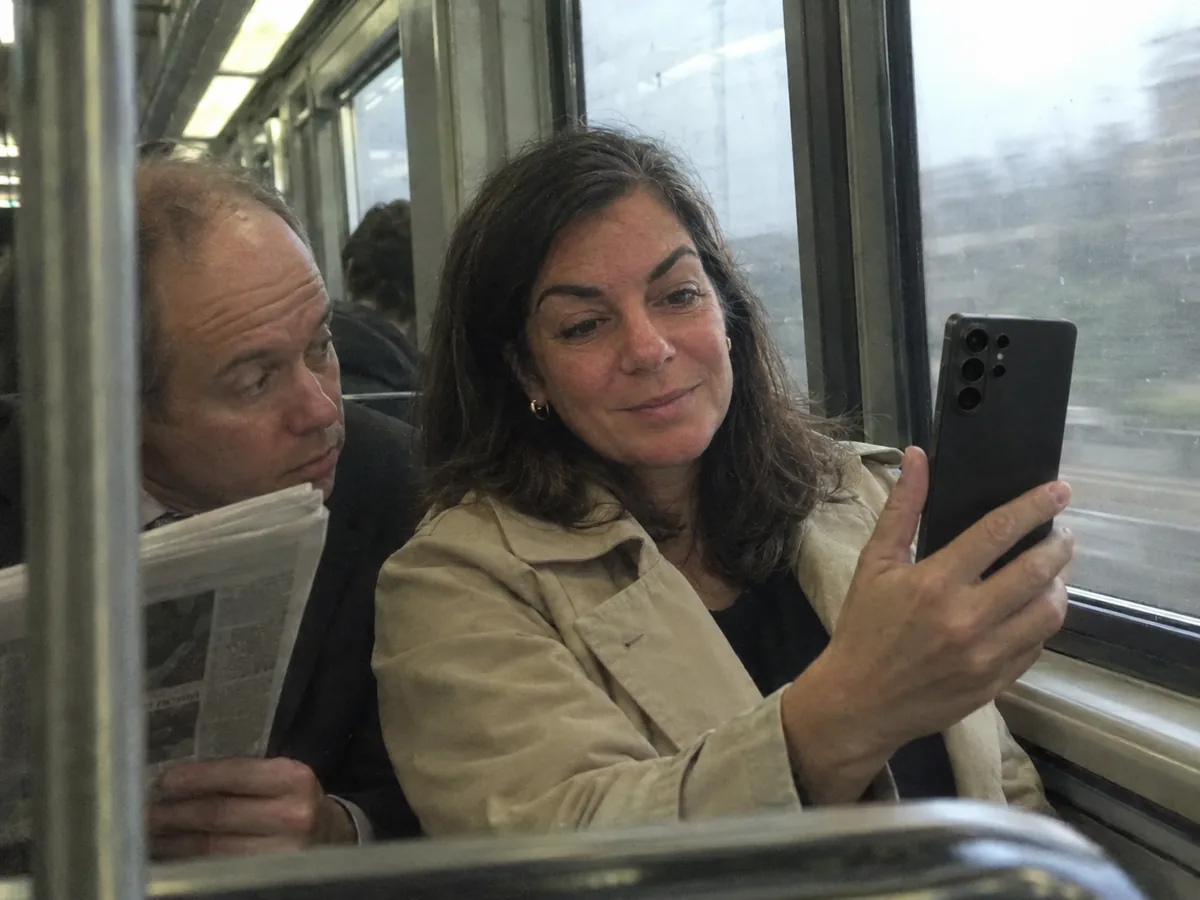
The man in the seat next to me on the 7:05 to Washington was not reading his newspaper. He was reading my bank balance.
I noticed it somewhere around Philadelphia. His head tilted a few degrees every time I opened my phone, the way you'd tilt your head to read the spine of a book on a shelf. I didn't say anything. I just turned the phone toward the window and felt vaguely robbed, even though nothing had been taken.
Three weeks later I bought the Samsung Galaxy S26 Ultra, and the reason was the one feature that could have saved me that awkward ride. I've used it as my only phone for five weeks now, across 9 flights, 14 train rides and one very long wedding in Atlanta. This is what I found, starting with the thing that sold it to me.
The Privacy Display, tested at the office and on the train
Most privacy screens are a plastic film you stick on your phone. They darken everything, all the time, and make photos look like they were taken through sunglasses. Samsung built the privacy effect into the display itself, and you can switch it on only where it matters.
You can set it for specific apps, like banking or messages. You can set it for notifications only, so a message preview is readable to you but not to the person in 14B. And it turns on by itself when you type a PIN, a password or a pattern. That last part is the one I didn't know I needed.
To test it, I asked three colleagues to sit next to me at our office table and try to read a text message on the screen from a normal seat distance. With privacy off, all three read it out loud without trying. With privacy on at the standard level, one of them could make out a few words by leaning in, which is not something a stranger on a train would do politely. At maximum, nobody could read anything past roughly 40 degrees to the side.
"It's like the words fall off the edge of the screen when you tilt it." Dale from our team, squinting at my phone from the side
The price you pay is brightness. Lab tests we read measured the screen at about half its normal brightness with privacy on, and I noticed it outside at noon. The anti-glare coating is also weaker than on last year's S25 Ultra, so reflections show up more under office lights. My fix was simple: privacy for banking, messages and PIN entry only, off for everything else. That's the setup I'd give you too.
Privacy is the new trick. But the thing that makes or breaks a $1,299 phone for me is simpler: does it last until I'm back at the hotel?
Battery and charging: better than the numbers say
The S26 Ultra has the same 5,000 mAh battery as last year. On paper, that sounds like Samsung didn't bother. In practice, the new Snapdragon 8 Elite Gen 5 chip is more efficient, and it shows.
- Our streaming loop (Wi-Fi, 200 nits, video until shutdown): 24 hours 10 minutes.
- A normal workday with email, Slack, maps, 40 photos and an hour of video: between 7 and 8 hours of screen time, with 25% to 35% left at bedtime.
- My worst day, a flight to Atlanta, the wedding and a late Uber: 6% at 1:15 a.m., after 19 hours off the charger.
Charging is where it pulls ahead. With a 60W USB-C charger that supports Samsung's Super Fast Charging 3.0, it went from 0 to 50% in 15 minutes and to full in 46 minutes. With a random 30W charger from a hotel lobby, the same 50% took 29 minutes.
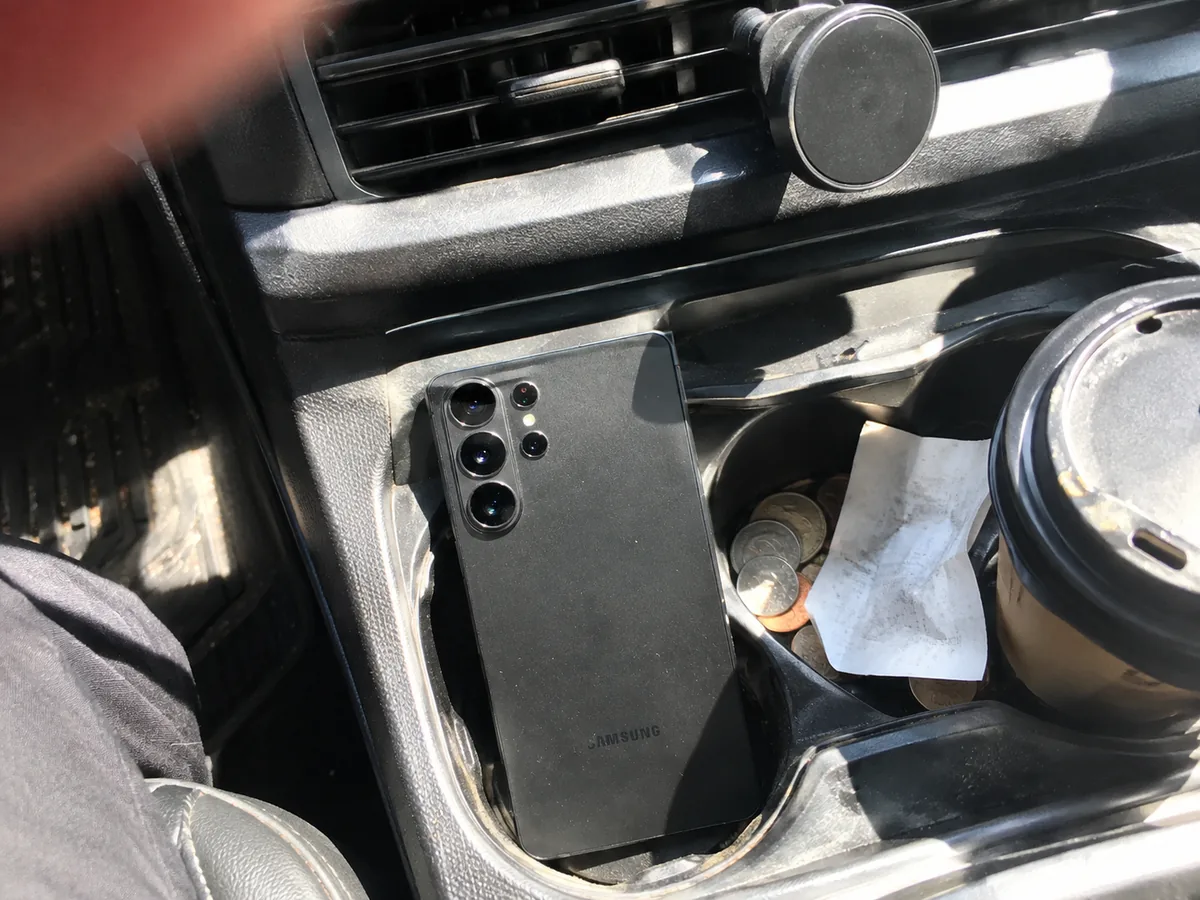
And then there's the gap I bumped into on day two. The S26 Ultra supports wireless charging at 25W, but it has no built-in magnets. My magnetic car mount, which holds my partner's iPhone like a vise, dropped the Samsung into the cup holder on the first right turn. You need a case with magnets to use Qi2 mounts, wallets and chargers. Samsung says skipping the magnets keeps the phone thinner. Fair, but in 2026 it still feels like a missing piece.
Those magnets would have added weight, and weight is something Samsung clearly worked on this year.
Design: thinner, lighter, still a camera bump that wobbles
The S26 Ultra is 7.9 mm thick and weighs 214 grams, down from 8.2 mm and 218 grams on the S25 Ultra. Four grams sounds like nothing. The rounder corners are what you actually feel. The old Ultra poked my palm when I held it in bed. This one doesn't.
The frame is aluminum again, not titanium, and after five weeks without a case for the first ten days, mine has one tiny scuff on the bottom edge from a hotel bathroom counter. The glass is Gorilla Armor 2 on the front, with the anti-reflective coating I mentioned, and the phone is rated IP68.
The camera bump still makes it wobble on a table when you tap the left side of the screen. It's a small thing that you'll notice every single time you use it flat on a desk. A case fixes it.
Speaking of that camera bump, let's talk about what's behind it.
The cameras: the 5x zoom is the reason to buy an Ultra
There are four cameras on the back: a 200 MP main camera with a brighter f/1.4 lens, a 50 MP ultrawide, a 10 MP 3x telephoto and a 50 MP 5x periscope telephoto. On paper, it zooms to 100x.
The main camera is very good in daylight and a bit brighter than last year. Food, streets and people look vivid, in that slightly punchy Samsung way that looks great on Instagram and a little too saturated on a big monitor. In dim bars, details on faces got soft, and the iPhone I compared it with kept more texture in hair and skin.
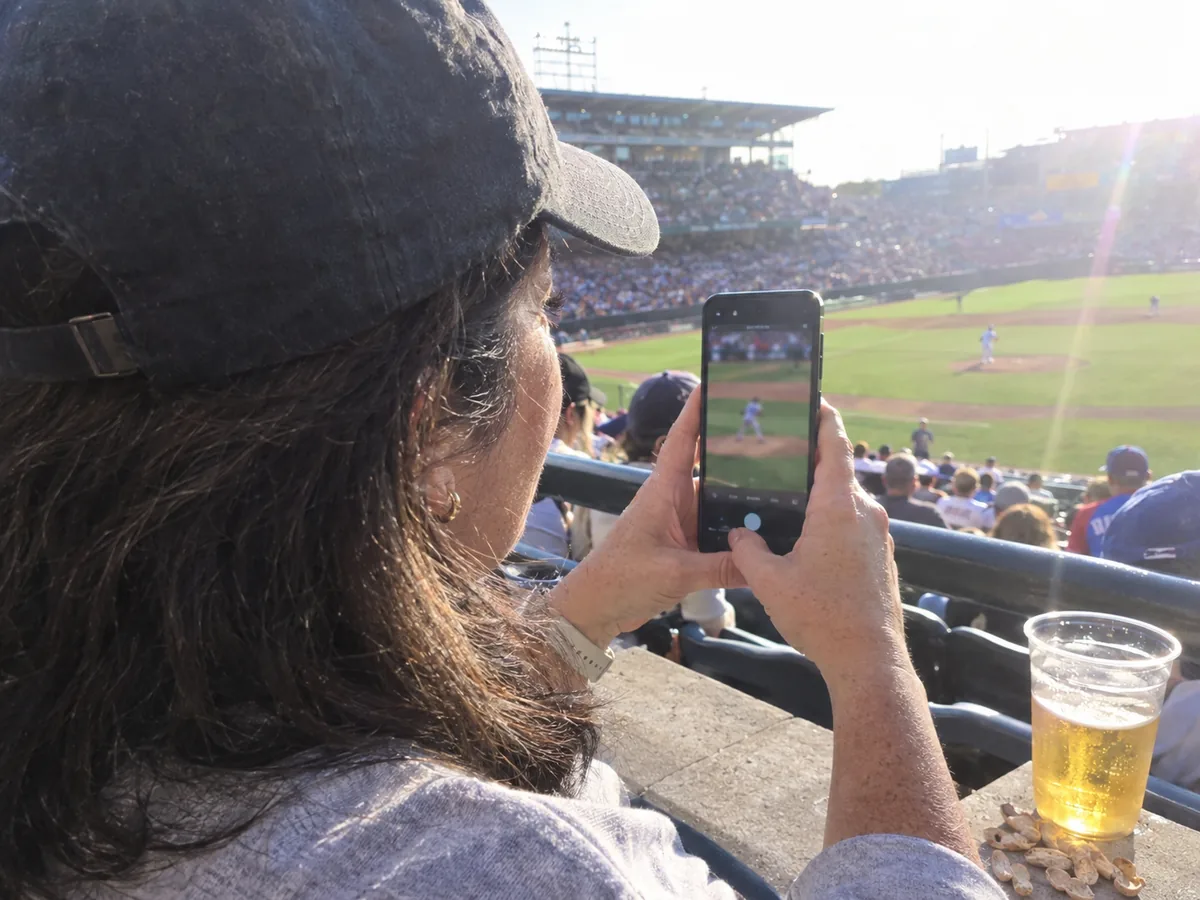
The 5x telephoto is the star. At a Mets game at Citi Field, from section 317, it pulled the pitcher's face in sharp enough to see him chewing gum. At 10x, the quality still holds for social media. Past 30x, it turns into watercolor, and the 100x moon shot is more of a party trick. I took it anyway. Everybody does.
Two new modes are worth knowing about. Horizon lock keeps video level even if you run while filming, which saved my shaky wedding dance clips. And Ocean mode, for underwater shots, I didn't try, because the only water I saw was in a hotel pool with a sign that said "No phones."
Cameras are the reason most people upgrade. The S Pen is the reason some people never leave the Ultra line.
The S Pen: still here, a little simpler
The stylus lives inside the phone and pops out with a click. Like on the S25 Ultra, it has no Bluetooth, so the remote shutter and air gestures are gone. I don't miss them. I never used them more than twice.
What I use every day: signing PDFs for work without printing anything, writing quick notes on the lock screen while standing at a gate, and cropping screenshots precisely. The new Creative Studio turns rough sketches into cleaner drawings. My sketch of a cat came back looking like a slightly surprised fox, which was accurate to my drawing skills and oddly flattering.
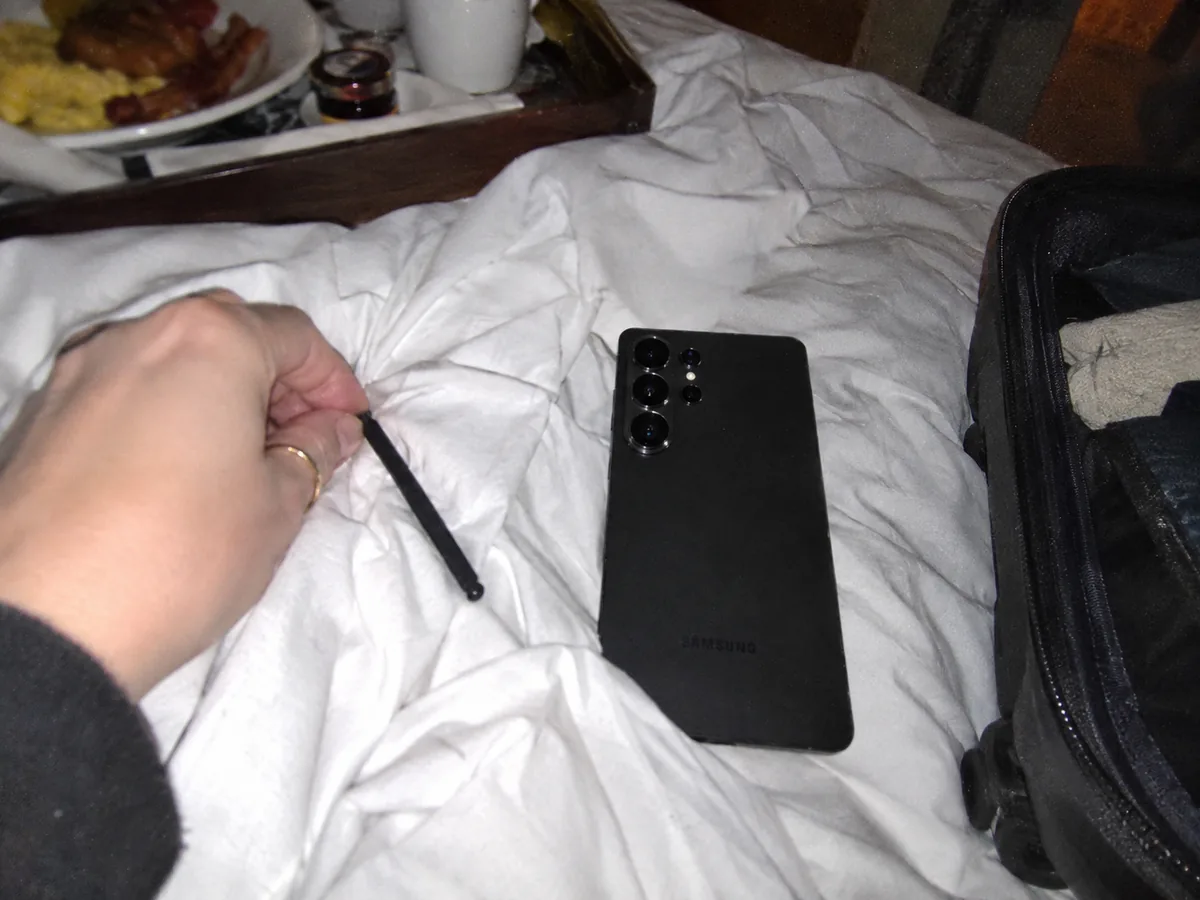
Confession: I lost the S Pen once. It was in the hotel bed sheets in Atlanta, found at 6 a.m. during a panicked sweep before checkout. The phone reminds you if you walk away without it, but apparently not if you both stay in the same bed.
Which leaves the software, where Samsung's AI gets most of the attention.
Galaxy AI and One UI: the good, and the keyboard
The phone runs Android 16 with One UI 8.5, and Samsung promises seven years of Android and security updates, into 2033. That matters more than any single feature, because it means this phone can last as long as you want it to.
AI Call Screening answered 23 spam calls for me in five weeks and showed me a transcript of what they wanted. I let exactly one through, a dentist appointment reminder. Now Nudge pops up small suggestions, like sharing a photo with the person you're texting about it. Useful about half the time, ignorable the other half.
The Samsung Keyboard is the weak spot. Autocorrect capitalized random words and swipe typing missed simple ones. I switched to Gboard on day three and haven't looked back. It's a free fix, but you shouldn't need one on a phone at this price.
Here's everything in one place before we get to who should buy it.
Galaxy S26 Ultra specs at a glance
| Spec | Galaxy S26 Ultra |
|---|---|
| Screen | 6.9-inch AMOLED, 3120 x 1440, 1 to 120Hz, Privacy Display |
| Chip | Snapdragon 8 Elite Gen 5 for Galaxy |
| Memory | 12 GB RAM (16 GB on the 1 TB model), 256 GB to 1 TB storage |
| Cameras | 200 MP main f/1.4, 50 MP ultrawide, 10 MP 3x, 50 MP 5x periscope |
| Battery | 5,000 mAh, 60W wired, 25W wireless |
| Size and weight | 7.9 mm thick, 214 g |
| Extras | S Pen built in, IP68, 7 years of updates |
| Price | From $1,299.99 at the time of writing |
Samsung and the carriers run trade-in deals almost every month, so the price you pay can be a few hundred dollars lower. Read the terms, though, because most of the big ones need a new line or a long plan.
Who should buy it, and who shouldn't
I bought it, and I'm keeping it. The privacy screen changed how relaxed I am on public transport, which I didn't expect from a phone feature. But it isn't the only way to spend this kind of money.
The alternatives we'd consider
- Galaxy S25 Ultra, if you find it discounted. Same S Pen, similar cameras, no privacy screen and slower charging. The value pick.
- Apple iPhone Pro Max. Better video, longer battery in lab tests, magnets built in. No stylus, and it's heavier. Update, September 24: I've now tested the new model, and my full iPhone 18 Pro and Pro Max review compares it directly with this Samsung.
- Google Pixel Pro XL. Cleaner software and the smartest call tools, with a weaker zoom.
We keep every phone and gadget we recommend in our reviews, and the way we test them, including the battery loop I used here, is on our how we test page. If you're about to fly with it, my list of the travel tech I actually pack has the charger that runs this phone at full speed.
As for the man on the 7:05, I saw him again last week, same train, same tilted head. This time all he got was a blurry gray rectangle. I may have smiled a little.
Questions readers asked us
Does the Privacy Display make the screen darker?
Yes, when it's on. Brightness drops noticeably, roughly by half in lab tests. You can limit it to specific apps, notifications and password fields, so the rest of the time the screen is at full brightness.
Does the Galaxy S26 Ultra work with Qi2 and MagSafe accessories?
It charges on Qi2 pads at up to 25W, but it has no built-in magnets. To use magnetic mounts, wallets or chargers, you need a case with a magnetic ring.
Does the S26 Ultra S Pen have Bluetooth?
No. Like the S25 Ultra, the S Pen works for writing, drawing and selecting, but it can't act as a remote shutter or use air gestures.
How many years of updates does the Galaxy S26 Ultra get?
Samsung promises seven years of Android version and security updates, which takes the phone into 2033.